Is your child ready to walk home from school alone? A readiness checklist
By Vahe Mailyan, Founder, SafeLoop · · 9 min read
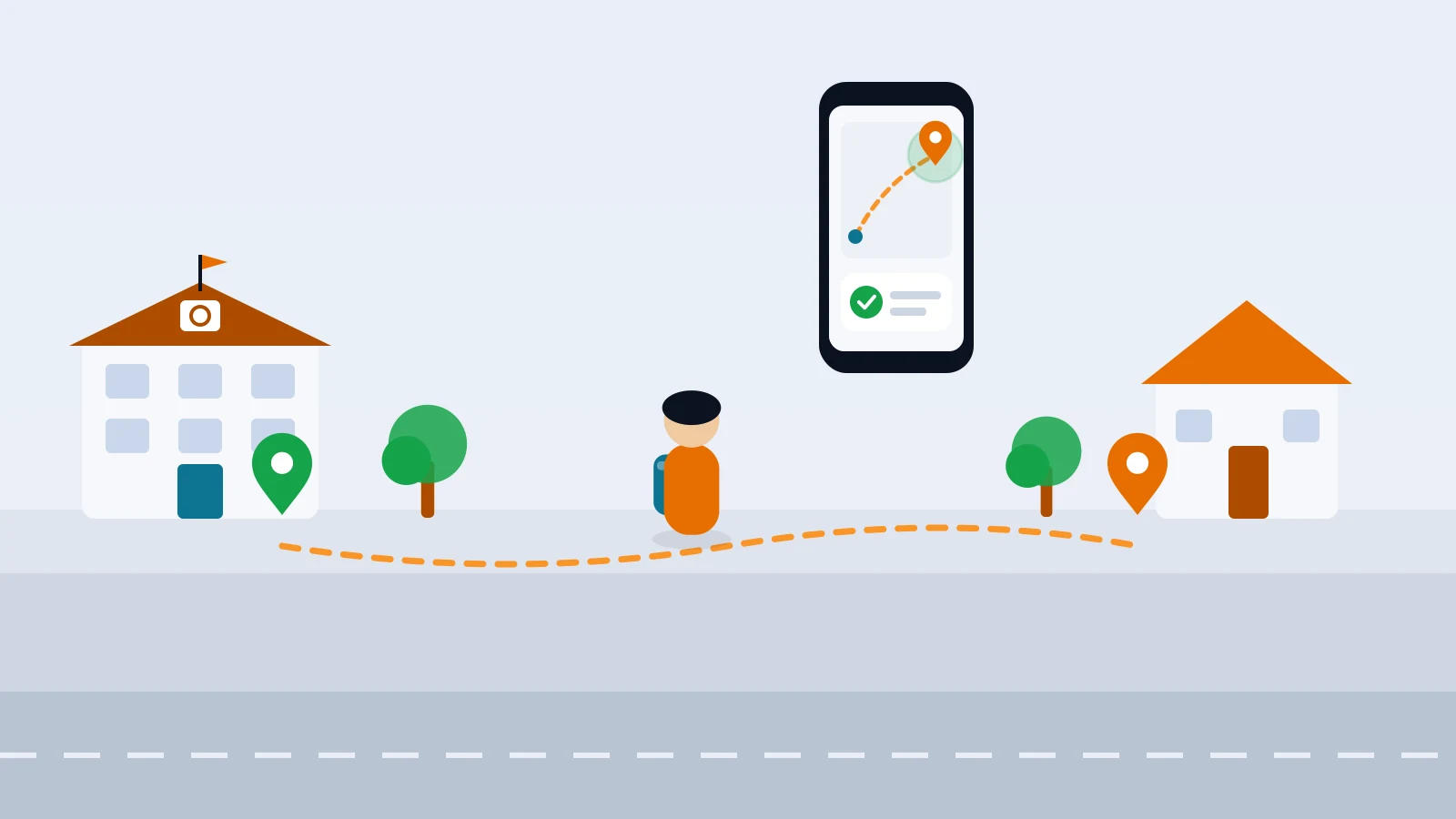
There's a moment most parents remember. Your child asks, half casually, "Can I just walk home today?" You know the route by heart. You've driven it a thousand times. And still your brain runs every what-if at once: the busy crossing, the stranger, the phone that dies, the friend who talks them into a detour.
I'm the founder of SafeLoop, a Los Angeles family-safety app, and I'm also a dad. I don't think there's a magic age when a child is ready to walk home alone. There's a set of skills, a route you've practiced together and a plan for when things go sideways. This post is the checklist I'd want in front of me before saying yes, plus a gradual way to get there so neither of you has to make the jump in one day.
Readiness is about skills, not a birthday
There's no single right age, and kids on the same street can be ready years apart. Pedestrian safety guidance does give a floor for the hardest part: NHTSA's walking tips for kids say children under 10 shouldn't cross the street alone. Beyond that, it's about your child and your route.
Signs your child may be ready:
- They cross streets well when you're with them, without reminders. They stop at the curb, look left-right-left, wait for the walk signal and watch for turning cars and cars backing out of driveways.
- They can stay focused for the whole walk. No wandering into the road while chatting, no headphones or eyes glued to a screen at crossings.
- They follow rules when you're not looking. Think of how they handle other small freedoms: coming in when they're called, staying where they said they'd be.
- They know your phone number and address by heart, not just as a contact in their phone.
- They can handle a surprise. If something unexpected happens, do they freeze, or do they come up with a sensible next step?
- They actually want to. A child who's nervous isn't failing. They're telling you they need more practice walks first.
And look honestly at the route. A short walk on quiet streets with sidewalks and a crossing guard is a very different ask than a long one with a busy intersection and no signal. Sometimes the child is ready and the route isn't yet.
Plan the route together
Walk the route with your child at the time of day they'd actually walk it. Ten minutes after the bell looks different from a Saturday morning: more cars, more kids, more distractions.
As you go, let them lead and talk out loud:
- Pick one route and stick to it. The shortcut through the parking lot or the alley might save two minutes, but "always the same way" makes everything else on this list easier.
- Choose the crossings. Crosswalks with signals or a crossing guard beat a gap between parked cars, even if it means walking an extra block.
- Point out the tricky spots. Driveways, the gas station entrance, the corner where drivers turn fast.
- Notice timing. How long does the walk actually take at their pace? That number matters later.
Safe stops and what-if rules
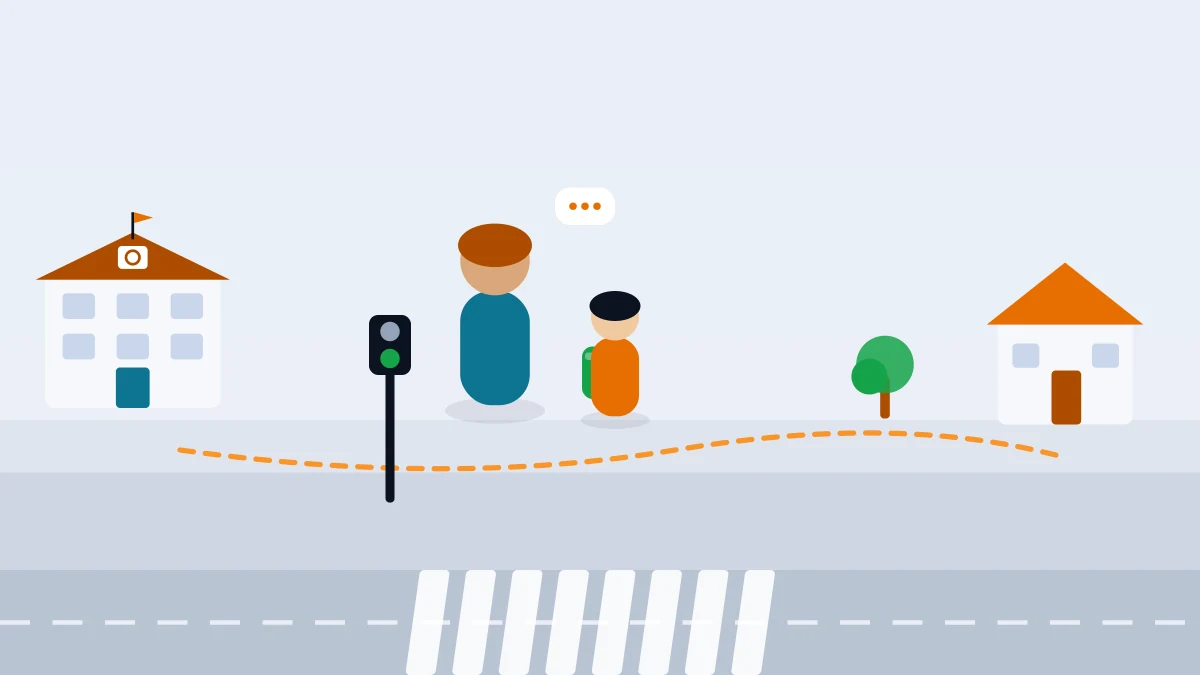
The best time to decide what to do in a hard moment is at the kitchen table, not on the sidewalk. Agree on a few safe stops along the way: a neighbor you know, a friend's house, the front office at school, a store where staff know your family. Then walk through the what-ifs together:
- "What if someone you don't know offers you a ride?" Never get in, even if they say Mom or Dad sent them. Some families pick a code word for this.
- "What if a friend wants you to come over?" You ask first, every time, before you go.
- "What if the usual way is blocked?" Go back to school or to a safe stop and call.
- "What if you feel scared or someone is following you?" Go into the nearest safe stop or busy store and tell an adult who works there.
- "What if you get home and nobody's there, or you can't get in?" Know exactly what happens next, whether that's a neighbor, a spare key arrangement or waiting at a safe stop.
Keep it calm and matter-of-fact. The goal is a child who knows what to do, not one who's scared of the walk.
Phone basics before the first solo walk
If your child carries a phone, a few minutes of setup goes a long way:
- Charge it every night and leave school with battery to spare. A dead phone is the most common reason a walk home turns into a scare.
- Phone in the pocket at crossings. NHTSA's advice for kids is simple: stop, look and listen. That's hard to do while texting.
- Know how to call you and how to call 911, even from the lock screen.
- Practice the SOS button together if your app has one. Our guide to setting up an SOS button for kids covers how to practice without creating false alarms.
A gradual plan: four steps to walking alone
Most kids don't go from holding your hand to walking solo in one step, and they shouldn't have to. Move to the next step only when the current one feels routine for both of you:
- Walk with them. You walk together, but they lead: they choose when to cross, they point out the tricky spots, they tell you what they'd do if a car came out of that driveway.
- Follow behind. You walk half a block back, or meet them at the halfway point. You're close enough to help, but they're making the decisions.
- Walk with a friend or sibling. Walking with a reliable buddy is a great in-between step. If your neighborhood has a walking school bus, the Safe Routes to School guide explains how families set one up, even as simply as two families taking turns.
- Walk solo. Start with the easiest days: good weather, daylight, no after-school plans. Ask for a quick text when they get home, and expect to be nervous the first few times. That's normal.
If a step goes badly, go back one. That's not a setback. That's the plan working.
How scheduled zones help on the walk home
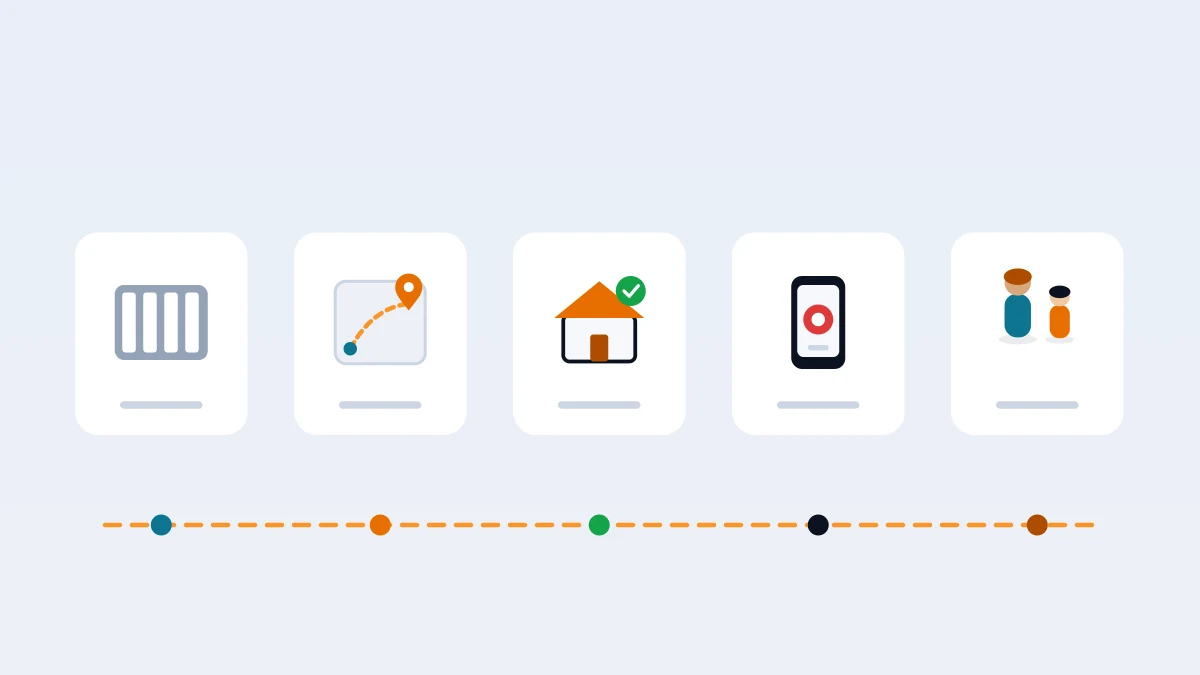
Once your child is walking alone, the hardest part for most parents is the gap between the final bell and the front door. You don't need to stare at a dot the whole time. What you want to know is simpler: did they leave school, and did they get home when you expected?
That's what scheduled zones are for. You set a School zone and a Home zone, each with a weekly window that matches the real routine, for example Home from 3:00 to 3:45 pm on school days. Inside those windows, you get an alert when your child leaves school and another when they arrive home. Outside the windows, nothing pings.
A grace period keeps the setup calm. A few extra minutes of slack means a slow walker or a long goodbye at the corner doesn't become a "late" alert. And the "not home yet" moment takes care of itself: if the window is underway and no arrival has come in, that's your cue to send a quick text, not to panic. If you're new to zones, our guide to geofence alerts for kids walks through setting them up without the overload.
Show your child the setup before the first solo walk. "When you leave school, I'll get a message. When you get home, I'll get another one. If it's taking longer than usual, I'll text you." Kids who know exactly what's shared are far more likely to tell you when plans change. And if you're still deciding whether location sharing fits your family at all, start with what age kids should get location tracking.
How it works in SafeLoop
SafeLoop is built around scheduled zones. Every zone has its own weekly schedule and grace period, and zone alerts only fire inside those windows: arrivals, departures, early exits and late entries. When your child is stopped somewhere outside every zone, you don't see where they are. Kids see the same zones, schedules and alerts their parents do, so nothing runs behind their back, though they don't see the live map parents use.
When plans change, your child can send a pass request ("going to Jake's after school") that you approve or deny with one tap, and the schedule adjusts for that day only. As the walk home becomes routine, you can pause a zone and let them have more independence.
A few product facts, stated plainly:
- Free: 1 member, 1 zone, zone arrivals and departures, and SOS.
- Standard ($4.99/month): 3 members, 5 zones, tamper alerts if the app is removed, GPS is turned off or location permissions change, and trips.
- Pro ($9.99/month): 10 members, 10 zones, plus crash detection, speed alerts, route replay and a daily summary.
SOS is on every plan. We never sell your family's data, and there are no ads. The details are in our privacy policy. To see how families use it, visit the families page.
Frequently asked questions
What age can a child walk home from school alone?
There's no single right age. It depends on your child's skills and your route. NHTSA advises that children under 10 shouldn't cross the street alone. Beyond that, look at how well they cross streets, stay focused, follow rules and handle surprises, and how busy the route is.
How do I know if my child is ready to walk home alone?
They cross streets safely with you without reminders, stay focused for the whole walk, know your phone number and address by heart, know what to do if something unexpected happens and actually want to try. If any of those are shaky, keep practicing together.
How should we practice the walk home?
Walk the route together at the real time of day, let your child lead, and pick one route with the safest crossings. Then move step by step: walk with them, follow behind, let them walk with a friend or sibling, and finally let them walk solo on easy days first.
Can I get an alert when my child gets home from school?
In SafeLoop, yes. Set a Home zone with a weekly schedule that matches the walk home, and you get an arrival alert inside that window. A grace period adds a few minutes of slack, so a slow walk doesn't trigger a late alert. The Free plan includes one zone with arrivals and departures.
Does my child see the same map I do in SafeLoop?
No. Kids see the same zones, schedules and alerts their parents do, so nothing runs behind their back, but they don't see the live map parents use.
Try SafeLoop free
Scheduled zones, SOS on every plan, and kids see what you see.
The Free plan covers 1 member and 1 zone with SOS alerts. Standard is $4.99/month per family (up to 3 members, up to 5 zones, 3-day history, SOS alerts, tamper alerts, trips (street-level routes)). Pro is $9.99/month per family (up to 10 members, up to 10 zones, 7-day history, crash detection, speed alerts, route replay, daily summary). Subscriptions are billed through the App Store or Google Play.
Keep reading
Your kid turned off location sharing. Here's what to do next
Your child's location went dark. Before you take the phone, rule out the boring reasons, find out why, and set things up so it happens less, without turning it into a cat-and-mouse game.
· 7 min read
SOS button for kids: how to set it up so it actually gets used
An SOS button only helps if your child will press it. Here's how to set it up together, practice once, handle false alarms and know when 911 still comes first.
· 8 min read
Geofence alerts for kids: how to set them up without the overload
Arrival alerts are only useful if you still read them. How to pick the right places, put each one on a schedule, and get the "she got to school" message without the noise.
· 8 min readMore in our family safety guides and on the blog.