Your kid turned off location sharing. Here's what to do next
By Vahe Mailyan, Founder, SafeLoop · · 7 min read
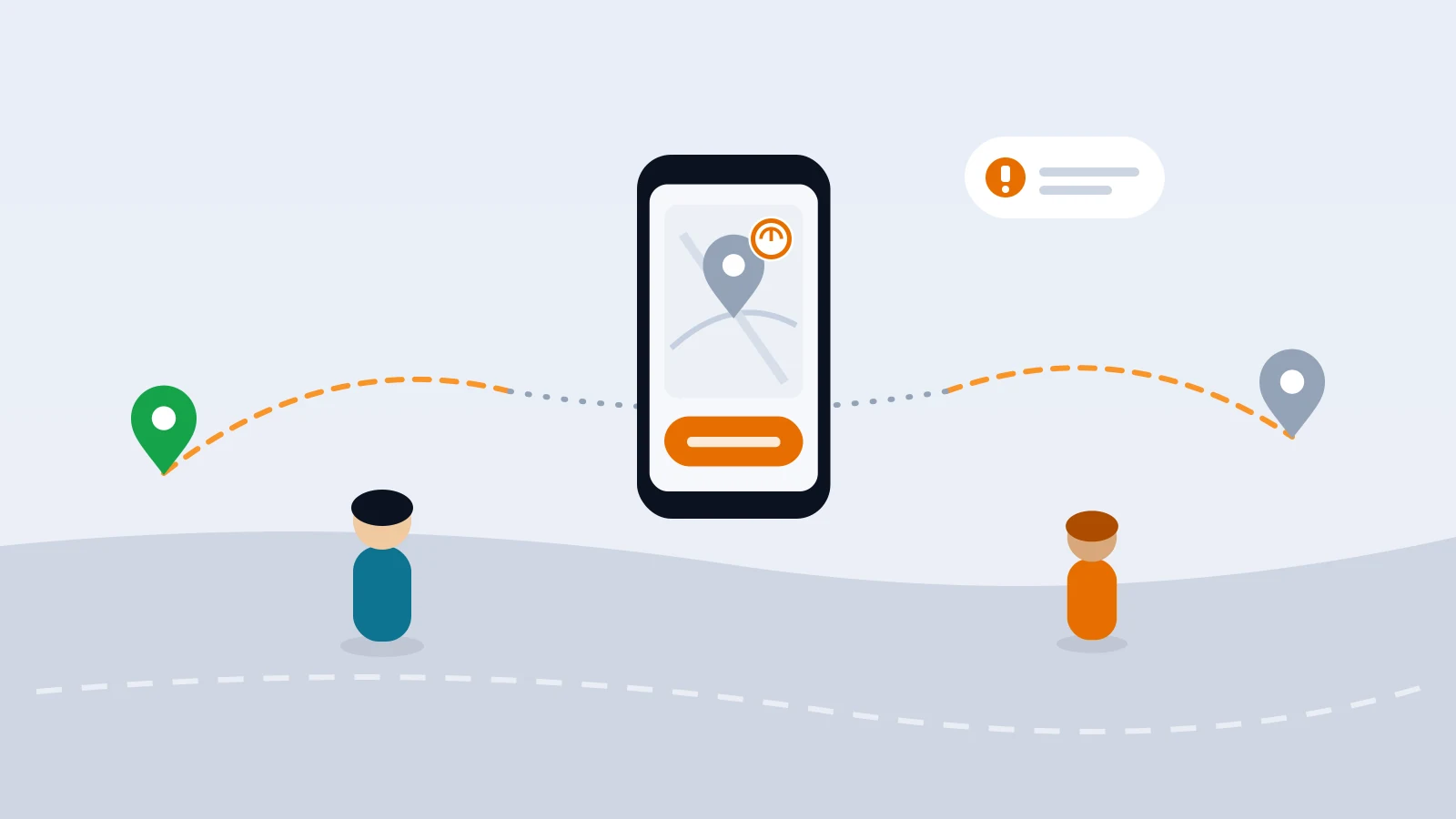
Sooner or later it happens to a lot of families. You open the app to check that your child got to practice, and their location hasn't updated in an hour. Or you get an alert that location permission was changed. Your stomach drops, and the first instinct is to confiscate the phone.
I'm the founder of SafeLoop, a Los Angeles family-safety app, and I'd ask you to slow down for a minute first. Most of the time the cause is boring: a dead battery, a phone setting, an update that reset a permission. And when it isn't boring, when your kid really did switch it off on purpose, how you respond decides whether location sharing keeps working in your family or turns into a cat-and-mouse game you'll lose.
This guide covers how to tell the difference, what to say, and how to set things up so it happens less. If you're still deciding whether tracking fits your family at all, start with what age kids should get location tracking.
First, rule out the boring reasons
Before you assume your child is hiding something, check the things that switch location off without anyone meaning to:
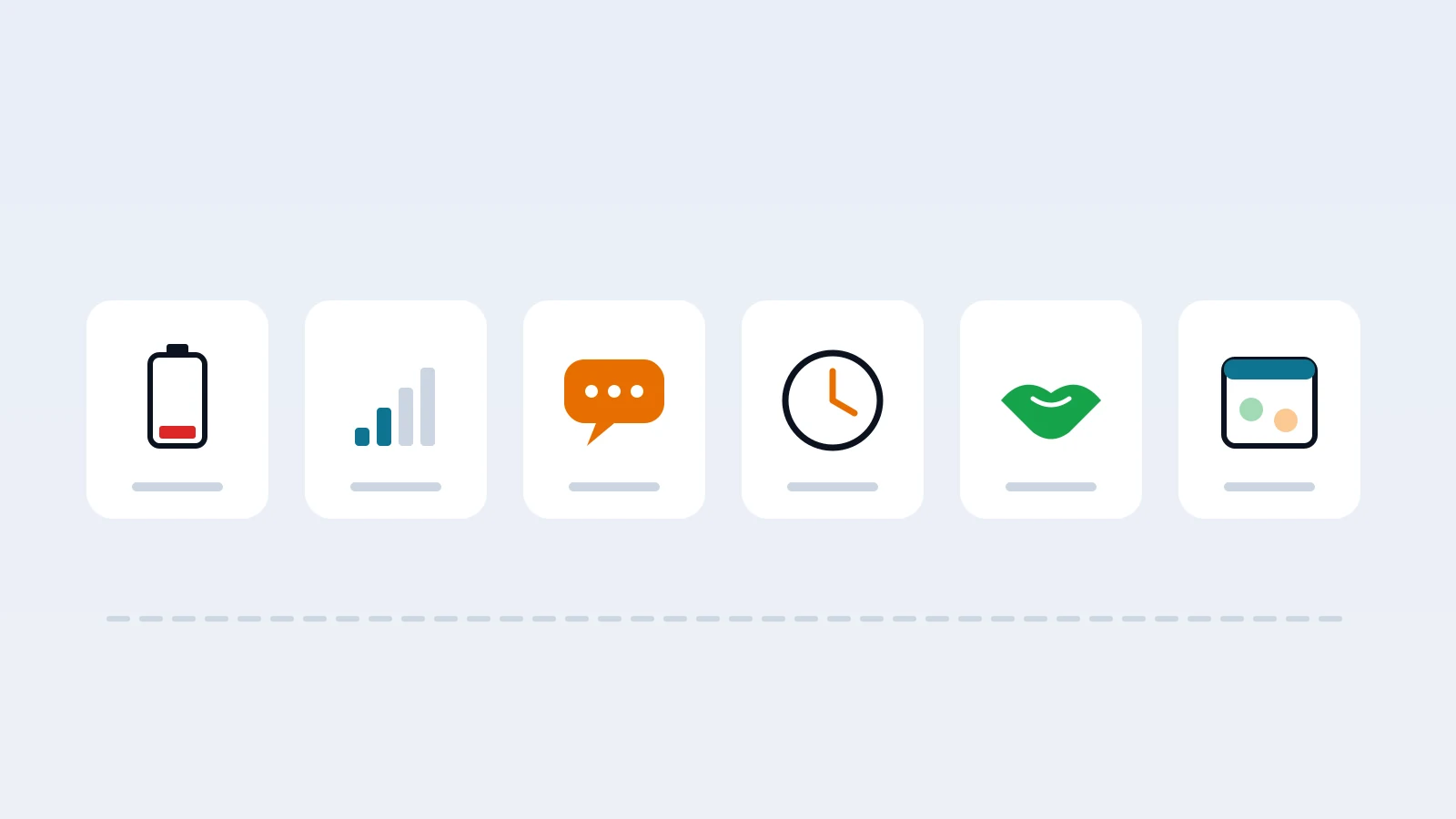
- The battery died or low power mode kicked in. Low power and battery-saver modes can pause background location. A phone at 4% at 3:30 pm is the most common "they turned it off" story.
- A system update reset permissions. Phone updates sometimes change how background location is allowed, and some apps get bumped back to "only while using."
- Airplane mode, no signal or no data. Underground classrooms, gyms, basements and some school buildings block the signal. Location catches up when they're back outside.
- The phone was restarted or the app was force-closed. Some kids swipe away every app out of habit, not to hide.
- A new phone or a reinstall. If the app was reinstalled, permissions have to be granted again.
Ask before you accuse. "Hey, your location stopped updating around 2. Did your phone die?" gets you an honest answer far more often than "Why did you turn off your location?"
If it was on purpose, find out why
When a kid deliberately turns off sharing, there's almost always a reason that makes sense from where they're standing. The common ones:
- They feel watched. Especially for teens, constant visibility can feel like a lack of trust, and switching it off is a way to get some privacy back.
- They're somewhere they think you won't approve of. A friend's house, a detour after school, a party.
- Friends tease them about it. "Your mom tracks you?" is a powerful line at 13.
- They didn't know what it showed. Kids often overestimate what parents can see, and they turn it off out of worry about something you couldn't see anyway.
None of these get solved by a lecture or by quietly installing something more invasive. They get solved by a calm conversation about what's on, what you see and why.
What to say (and what not to)
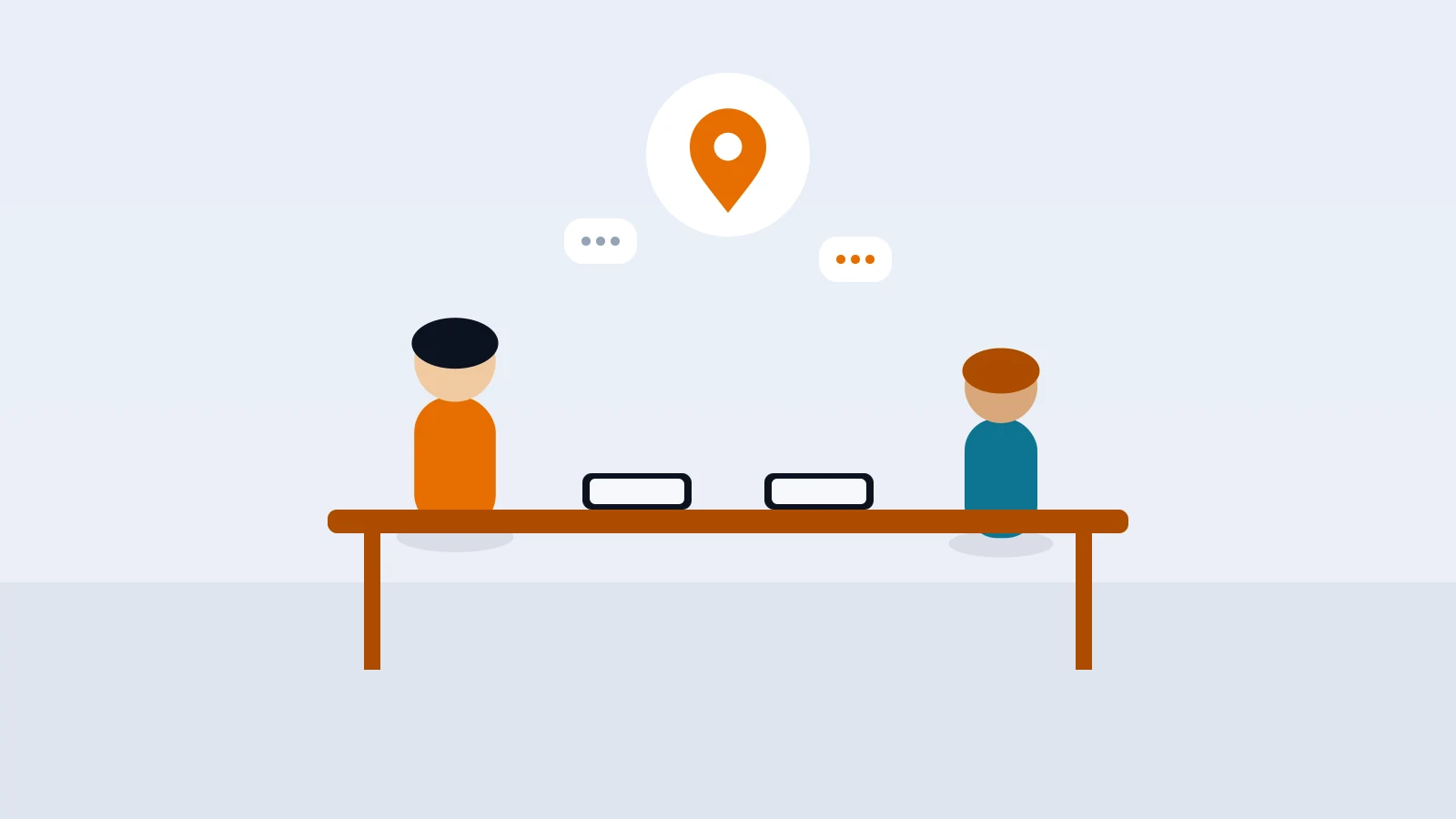
Start with the goal, not the rule break. Something like: "Location sharing is there so I know you got where you were going and so you can reach me fast if something's wrong. When it goes dark, I worry. Help me understand what happened."
Then listen. If they say they feel watched all the time, take it seriously. That's information you can actually act on.
Things that tend to backfire:
- Punishing the first time with no conversation. It teaches them to hide better, not to keep sharing on.
- Switching to secret monitoring. If they find it, and they usually do, trust drops much further than before.
- Treating every gap as a lie. If you react to every dead battery like a betrayal, they'll stop telling you the truth about the times that matter.
Things that tend to work:
- Agreeing on when sharing has to be on. For example, the walk home, practice, weekend outings, late nights. Not necessarily every minute of every day.
- Agreeing on what happens if it goes off. "If your location's off and I can't reach you for 20 minutes, I'll call your friend's parent." A clear, boring plan beats an emotional reaction.
- Making it a two-way deal. Some parents share their own location back. It turns "I'm watching you" into "we know where each other is."
Share less, so they keep it on
This sounds backwards, but one of the best ways to keep location sharing on is to see less. Kids are more likely to leave sharing on when it isn't a 24/7 trail of everywhere they've been.
Scheduled zones help a lot here. Instead of a live dot everywhere, you get an alert when they arrive at school on a school morning or leave practice on a Tuesday evening. Outside those windows, there's no running commentary. Our guide on geofence alerts for kids walks through how to set those up without notification overload, and how to track your teen without spying covers the trust side for older kids.
Being open about the setup matters too. Show them what you see. Show them the zones and schedules. When kids know exactly what's shared and what isn't, the "what if they see something" worry goes away, and so does a lot of the reason to turn it off.
A quick checklist when location goes dark
- Check the battery and signal story first. Text or call before you assume anything.
- Look at when it happened. A gap during school hours in a basement gym is different from a gap at 11 pm on a Saturday.
- Ask, don't accuse. Give them room to explain.
- If it was deliberate, talk about why. Feeling watched, a place they didn't want you to know about, or friends teasing them each need a different response.
- Agree on the rules and the fallback plan. When sharing has to be on, and what you'll do if it isn't.
- Revisit the setup. Fewer always-on views, more scheduled zones, and a clear view for your kid of what's shared.
How it works in SafeLoop
SafeLoop is built around scheduled zones, so guardians get alerts during the windows that matter instead of watching a continuous trail. When a member is stopped outside every zone, guardians don't see where they are. Kids see the same zones, schedules and alerts their parents do, so nothing runs behind their back, though they don't see the live map parents use.
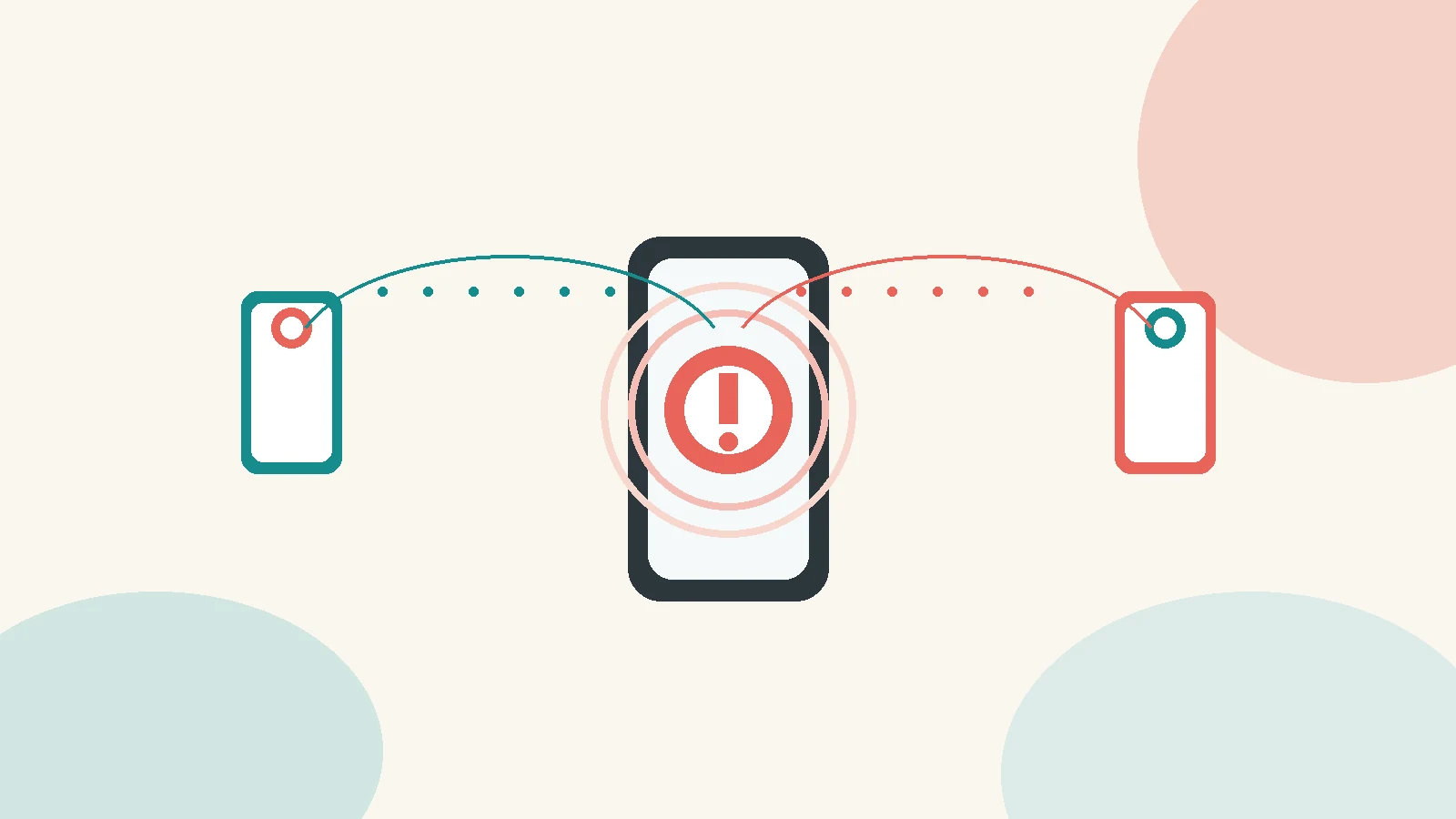
On Standard and Pro, SafeLoop sends tamper alerts if the app is removed, GPS is turned off or location permissions are changed. That turns "why hasn't the dot moved?" into a clear signal you can ask about calmly, instead of a guessing game.
A few product facts, stated plainly:
- Free: 1 member, 1 zone, SOS.
- Standard ($4.99/month): 3 members, 5 zones, 3-day history, tamper alerts, trips.
- Pro ($9.99/month): 10 members, 10 zones, 7-day history, crash detection, speed alerts, route replay, daily summary.
Raw location points are deleted after 7 days, and trips are kept for 30 days. We never sell your family's data, and there are no ads. The details are in our privacy policy. To see how it works for your family, visit the families page.
Frequently asked questions
Why does my child's location keep turning off?
Usually it's something boring: a dead battery, low power mode, no signal, a phone update that reset location permission, or the app being force-closed. Check those and ask your child before assuming it was deliberate.
Should I punish my kid for turning off location sharing?
Not as a first step. Find out why first. Kids usually switch it off because they feel watched, are somewhere they think you won't approve of, or get teased about it. A calm conversation and clear rules about when sharing must be on work better than punishment, which mostly teaches them to hide it better.
Can I get an alert if my child turns off location?
In SafeLoop, yes, on the Standard and Pro plans. Tamper alerts tell guardians if the app is removed, GPS is turned off or location permissions are changed. The Free plan doesn't include tamper alerts.
How do I get my teen to keep location sharing on?
Share less and be open about it. Agree on when sharing has to be on, use scheduled zones instead of a 24/7 trail, show your teen exactly what you can see, and agree on a simple fallback plan if their location goes dark.
Does my child see the same map I do in SafeLoop?
No. Kids see the same zones, schedules and alerts their parents do, so nothing runs behind their back, but they don't see the live map parents use.
Try SafeLoop free
Scheduled zones, SOS on every plan, and kids see what you see.
The Free plan covers 1 member and 1 zone with SOS alerts. Standard is $4.99/month per family (up to 3 members, up to 5 zones, 3-day history, SOS alerts, tamper alerts, trips (street-level routes)). Pro is $9.99/month per family (up to 10 members, up to 10 zones, 7-day history, crash detection, speed alerts, route replay, daily summary). Subscriptions are billed through the App Store or Google Play.
Keep reading
SOS button for kids: how to set it up so it actually gets used
An SOS button only helps if your child will press it. Here's how to set it up together, practice once, handle false alarms and know when 911 still comes first.
· 8 min read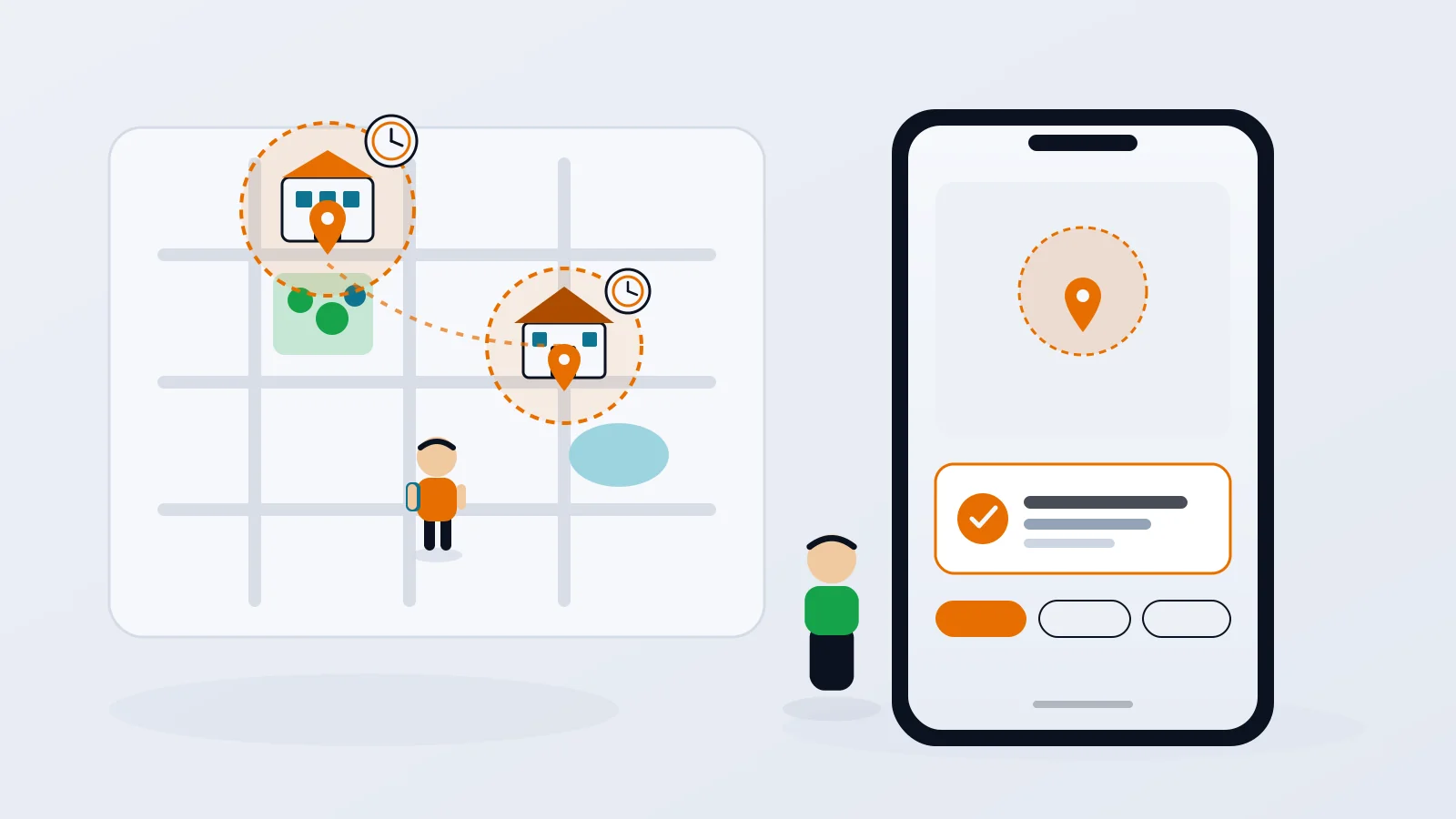
Geofence alerts for kids: how to set them up without the overload
Arrival alerts are only useful if you still read them. How to pick the right places, put each one on a schedule, and get the "she got to school" message without the noise.
· 8 min read
How to track your teen without spying
The difference between location sharing and spying isn't the app. It's whether your teen knows, agrees and can see what you see. Here's how to set it up so it holds up.
· 7 min readMore in our family safety guides and on the blog.