What age should kids get location tracking?
By Vahe Mailyan, Founder, SafeLoop · · 7 min read
This is one of the first questions parents ask us, and I'll give you the honest answer up front: there isn't a correct age. I build a location-sharing app, so you might expect me to say "as early as possible." I don't think that's right either.
A better question than "what age?" is "what's changing in my kid's life?" Location sharing earns its place when your child starts being somewhere without you, on a schedule you both know. It should also have a plan for getting smaller as they get older. Here's how I'd think about it, stage by stage.
Start with the reason, not the app
Before you install anything, finish this sentence: "I want to know ___."
Good answers are specific:
- "...that she got to school after walking there on her own."
- "...when practice actually ends, so I'm not waiting in the lot for 40 minutes."
- "...that he got home before I did."
Vague answers like "where she is" or "what he's up to" usually lead to checking the map more than you need to, and to a kid who feels watched. A specific reason tells you which features you actually need, and it gives you something concrete to explain to your child.
Under 8: you're probably the location tracker
At this age most kids aren't anywhere on their own. They're with you, at school, or with another adult you trust. Usually there's nothing for an app to tell you that a phone call to that adult wouldn't.
What helps more at this age:
- Teaching your child your phone number by heart, and what to do if they get separated from you.
- Making sure the school and caregivers have current emergency contacts and an up-to-date list of who's allowed to pick up.
- Practicing "what if" scenarios: what do you do if nobody's at pickup?
If you're thinking about a device mainly for location at this age, ask yourself whether it's solving a real gap or just easing a general worry. Both are understandable. Only one is a good reason.
Ages 8 to 10: the first solo trips
This is often when things change. Walking to school with a friend, biking to a neighbor's, staying at an after-school program while you're still at work. It's also when many families hand down a first phone.
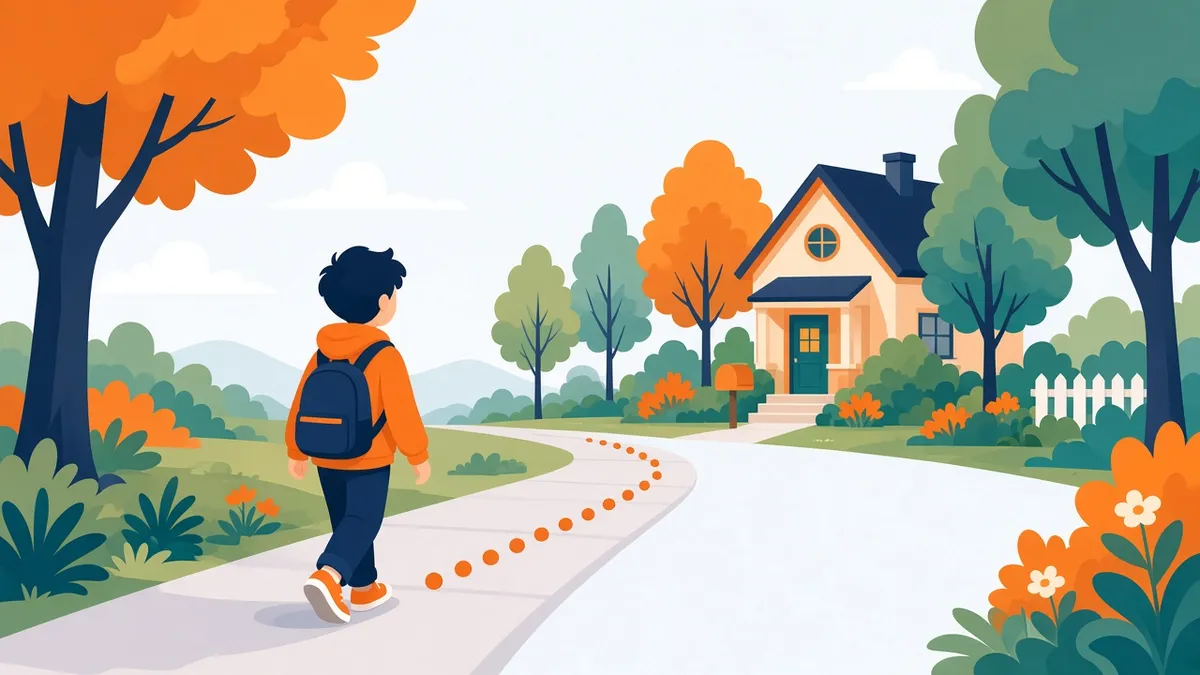
At this stage, location sharing works best when it's narrow:
- One or two places that matter, like school and home.
- Alerts only at the times that matter: did they arrive at school by 8:15, did they get home by 3:45?
- An easy way for your child to say "I need help" without having to explain where they are.
Keep it simple and visible. Sit down together, show them what you'll see, and explain why: "When you walk to school, I'll get a message that you got there. That's it." Kids this age generally take it well when it's explained plainly, and it sets up the norm you want: location sharing is something we do together, not something done to you.
Ages 11 to 13: more places, more independence
Middle school brings more of everything: more activities, more friends' houses, a bus or a longer walk, more time between "school's out" and "parent's home."
This is where a schedule really matters. A kid with soccer on Tuesday and Thursday and a music lesson on Wednesday doesn't need the same alerts every day. Set up each place with the days and times it actually applies, and let it stay quiet the rest of the time.
It's also the age to start involving your child in the decisions:
- Ask which places they think should have alerts.
- Agree on what happens when plans change, like a last-minute trip to a friend's house. Should they text you? Check in through the app?
- Agree on what the alerts are for. "You were late to school" can be a safety check or an interrogation. Decide which one it is before it happens.
Ages 14 to 17: dialing it back on purpose
Teens are building the independence they'll need as adults, and they're sensitive to anything that looks like surveillance. That doesn't mean location sharing has to stop. It does mean it should get smaller over time, deliberately.
Some families find these steps work:
- Fewer zones. Drop places your teen has proven they handle reliably.
- Shorter windows. Keep the "did you get home from the late game" alert, and drop the everyday school check.
- Pausing for trust. Pause tracking on weekends or for specific outings once a teen has shown they'll check in on their own.
- Keep the safety net. An SOS button and, for new drivers, things like crash or speed alerts may stay useful even after daily alerts are gone.
If your teen is pushing back hard, take it seriously. Ask what specifically bothers them. Often it's one feature, like a live map you check constantly, not the idea of sharing at all. We go deeper on this in how to track your teen without spying.
18 and up: it's their choice
At 18, your kid is an adult and location sharing becomes a mutual choice. Many families keep sharing for practical reasons, such as a road trip, a late flight or a first apartment in a new city. The difference is that it's an agreement between adults, and either person can turn it off.
A few rules that hold at every age
- No secret tracking. If your child doesn't know, it isn't a safety plan. It's a secret they'll eventually discover, and that usually costs more trust than it ever bought.
- They see what you see. Show them the map, the places and the alerts. Better still, use an app where they can always check for themselves.
- Less data is better. Choose tools that don't keep years of history and don't sell your family's data. Read the privacy policy, even if just the parts about "sell," "partners" and "retention."
- Review it regularly. At the start of each school year or after a birthday, sit down together and ask: what can we turn off?
Where SafeLoop fits
We built SafeLoop for kids roughly 8 to 17, around the idea above: scheduled zones that only send alerts during the days and times you set, with kids seeing the same zones, schedules and alerts as their parents. You can pause any zone as your kid earns more independence. There's an SOS button on every plan, including Free. Raw location points are deleted after 7 days, and we never sell your data. If you want to try it, the free plan covers one child and one zone, which is exactly the right size for a first solo walk to school. You can read more about how scheduled zones work.
But the most important part of this isn't the app. It's the conversation. Our guide on how to talk to your kids about location sharing is a good place to start.
Frequently asked questions
What is the best age to start location sharing for kids?
There's no single best age. Many families start around 8 to 10, when kids make their first trips without an adult, like walking to school. The right time is when your child is regularly somewhere on their own and you have a specific reason.
Should I track my child without telling them?
We don't recommend it. Secret tracking tends to be discovered, and it damages trust right when you need your child to come to you with problems. Tell them what you'll see and why, and let them see it too.
Do I need to give my child a phone for location sharing?
For most apps, yes. Location sharing runs on the child's phone. If your child doesn't have one yet, focus on the basics: knowing your phone number, a clear pickup plan, and current contacts on file at school.
When should I stop tracking my teenager?
Plan to reduce it gradually rather than all at once: fewer places, shorter windows, more pauses. By 18 it should be your adult child's choice. Many families keep a safety net like SOS for longer.
Is location sharing safe for kids' privacy?
It depends on the app. Check whether the company sells or licenses location data, how long history is kept, and whether your child can see what's being shared. Shorter retention and no data sales are the things to look for.
Try SafeLoop free
Scheduled zones, SOS on every plan, and kids see what you see.
The Free plan covers 1 member and 1 zone with SOS alerts. Standard is $4.99/month per family (up to 3 members, up to 5 zones, 3-day history, SOS alerts, tamper alerts, trips (street-level routes)). Pro is $9.99/month per family (up to 10 members, up to 10 zones, 7-day history, crash detection, speed alerts, route replay, daily summary). Subscriptions are billed through the App Store or Google Play.
Keep reading
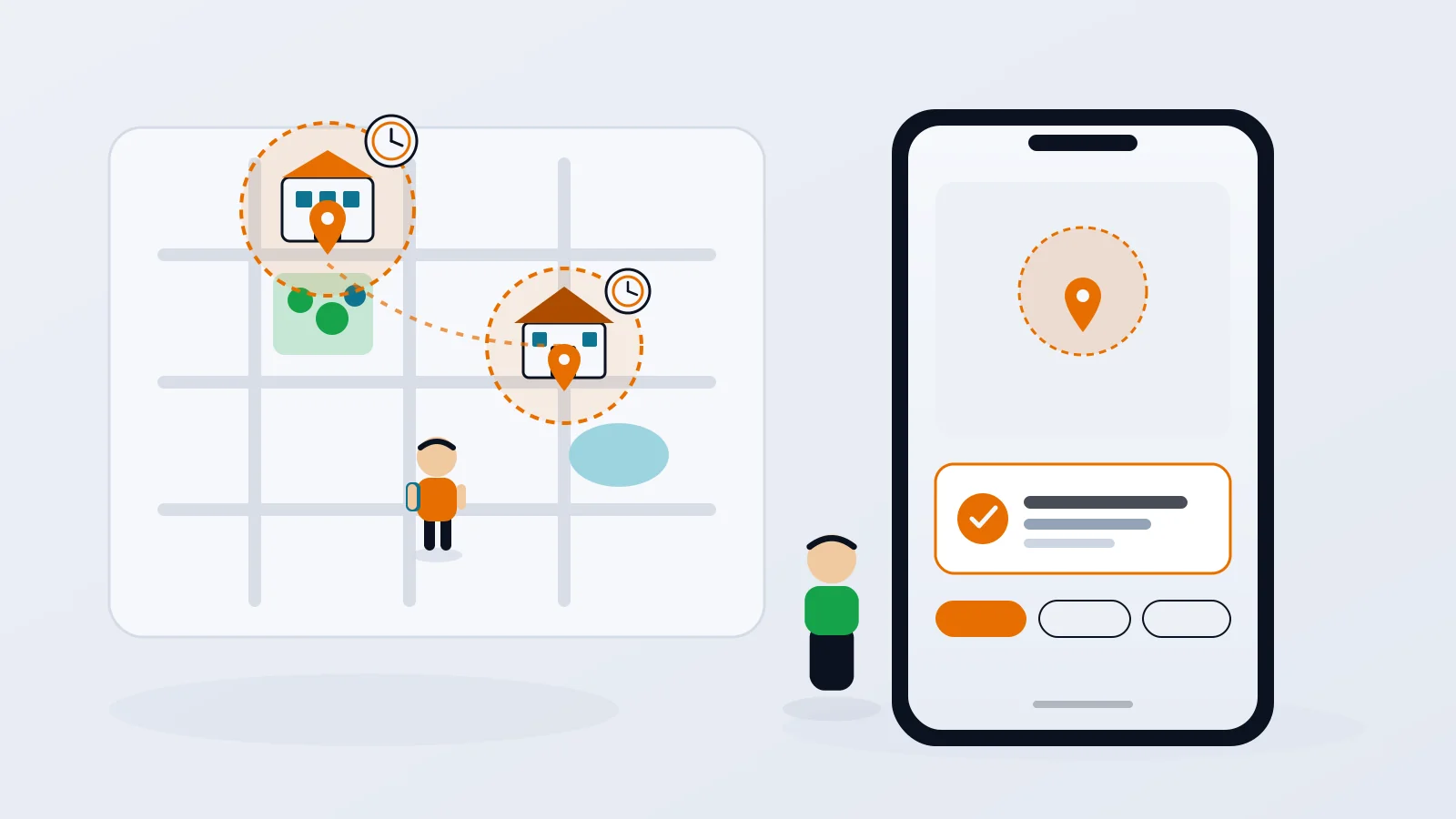
Geofence alerts for kids: how to set them up without the overload
Arrival alerts are only useful if you still read them. How to pick the right places, put each one on a schedule, and get the "she got to school" message without the noise.
· 8 min read
How to track your teen without spying
The difference between location sharing and spying isn't the app. It's whether your teen knows, agrees and can see what you see. Here's how to set it up so it holds up.
· 7 min read
Life360 alternatives for privacy-minded families
If you like the idea of a family locator but not the idea of your kid's location becoming a data product, here are the realistic options, what they do well, and where they fall short.
· 8 min readMore in our family safety guides and on the blog.