How to track your teen without spying
By Vahe Mailyan, Founder, SafeLoop · · 7 min read

Most parents who search for this phrase aren't trying to spy. They're trying to keep a teenager safe without wrecking the relationship. Those two goals can live together, but only if the way you share location is built around honesty instead of control.
I build a family location app, so I've thought about this a lot. Here's the clearest line I know: it's spying if your teen doesn't know, doesn't understand what you can see, or can't see it themselves. It's location sharing when they do. Everything below follows from that.
Why secret tracking backfires
Some apps and guides suggest hiding a tracker on a teen's phone, or picking an app that "runs invisibly." Even setting aside whether that's right, it rarely works for long.
- Teens find out. A battery drain, an unfamiliar app, a friend who mentions it. When they do, the lesson they learn isn't "my parents care about my safety." It's "my parents lie to me."
- It pushes problems underground. A teen who feels watched learns to leave the phone at a friend's house or turn it off. Then you know less than before.
- It cuts off the thing that actually keeps teens safe: their willingness to call you when something goes wrong.
Location data can tell you where a phone is. It can't tell you whether your kid trusts you enough to call from a party that's gone bad. That second thing matters far more.
Step 1: Have the conversation before the install
Start by explaining why. Be specific and honest:
- "When you drive home from work at night, I want to know you got home."
- "You're taking the train to practice now. I'd like a message when you get there."
Then ask what they think. Teens are more likely to accept something they had a say in. They'll often suggest reasonable limits themselves, like "fine, but not on weekends."
If they push back, listen for the specific objection. "You'll be checking on me all the time" is a fair worry, and it has a fair answer: agree on when you'll look.
Step 2: Share places and times, not a live feed
The single biggest difference between "safety" and "surveillance" is usually how much you see.
A live map you can open at any moment invites checking. It's human: you're anxious, so you look. Your teen knows you can, so they feel watched even when you're not looking.
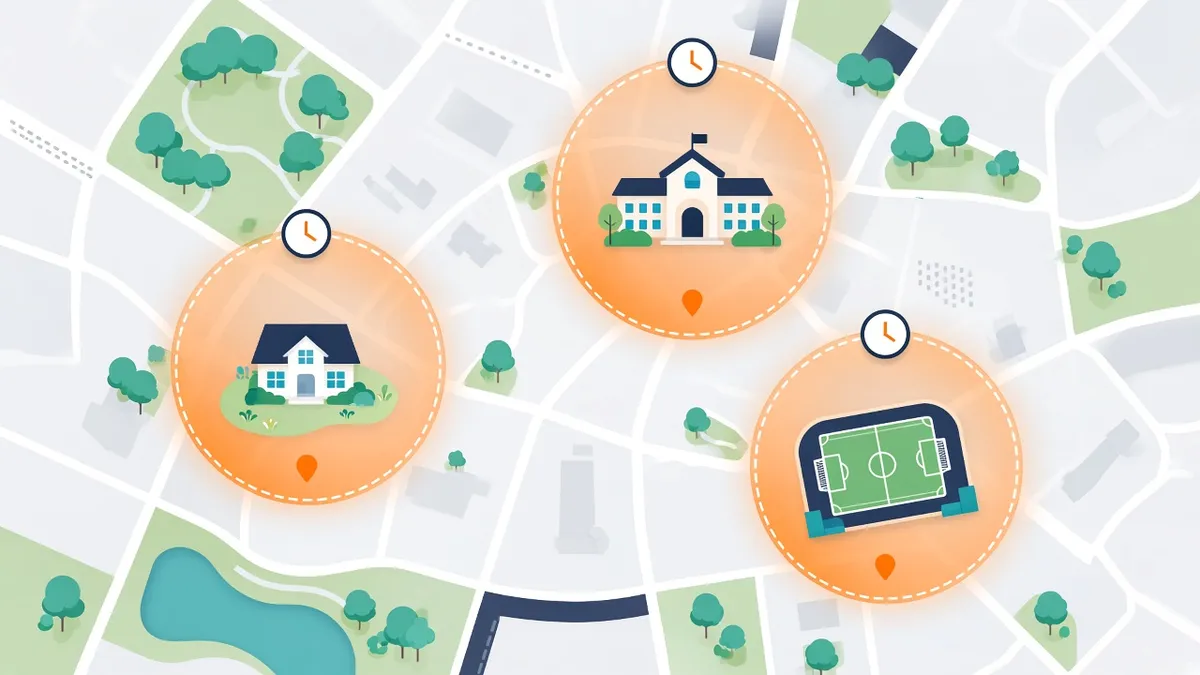
A schedule-based setup flips that around. You choose the specific places that matter, like school, work, practice or a friend's house, and the times they matter. You get a message when they arrive or leave during those windows, and nothing the rest of the time. Your teen knows exactly what will trigger an alert, so there's nothing to wonder about.
If your app only offers a live map, you can still create the same effect with a rule: "I'll only look if you're late and not answering."
Step 3: Make it two-way
Your teen should be able to see exactly what you see: the same places, the same schedules and every alert sent about them. If they can't check that for themselves, you're asking them to take your word for it, which is a lot to ask of a 15-year-old.
Two-way also means they have tools, not just you:
- A way to ask for an exception when plans change.
- A way to call for help fast, like an SOS button that sends their location to you.
- A clear route to talk about it when something feels unfair.
Step 4: Write down the agreement
It sounds formal, but a short written agreement prevents a lot of arguments. Cover:

- What's shared: which places, which days, which times.
- When you'll look: for example, only if an alert fires or they're unreachable.
- What happens when plans change: a text, a check-in, a quick call.
- What happens if the app is turned off: a conversation, not an automatic punishment. Phones die and settings get changed by accident.
- When you'll review it: every few months, or on birthdays.
Step 5: Treat alerts as questions, not accusations
An alert that your teen left school early, or that location was turned off, is information, not proof. There's usually an ordinary explanation: a free period, a ride from a friend, a dead battery.
Open with a question: "Hey, I got an alert that you left early. Everything okay?" If your first response to every alert is suspicion, your teen will learn to avoid the alerts, not the behavior.
Step 6: Dial it back as trust grows
Make the plan to reduce tracking part of the deal from day one. For example:
- After a semester of reliable check-ins, drop the everyday school alert.
- Pause tracking on weekends, or for a specific outing, once they've shown they'll text you themselves.
- Keep a minimal safety net, such as SOS or alerts for late-night drives, after the rest is gone.
Teens who see a real path to more freedom are much more likely to stick with the arrangement than teens who see no end to it.
What to avoid
- Apps that read messages or browsing "for location." Location sharing and content monitoring are different things. If you decide you need monitoring, tell your teen that too.
- Bringing location data into unrelated arguments. "I saw you were at the mall for two hours" during a fight about grades teaches them the data will be used against them.
- Sharing their location with people they didn't agree to, including extended family.
- Apps with long history or unclear data practices. Your teen's movements are sensitive. Look for short retention and a clear "we don't sell your data."
How we built SafeLoop around this
SafeLoop is built on the ideas in this post. Zones run on a schedule you set, and alerts only fire inside those windows. When your teen is stopped somewhere outside every zone, you don't see where they are. Members see the same zones, schedules and alerts their guardians see. Every plan includes SOS. On paid plans you get alerts if the app is removed, GPS is turned off or permissions change, which we'd encourage you to treat as a prompt for a conversation. Raw location points are deleted after 7 days, and we don't sell personal information or show ads.
It isn't the only way to do this well. Any app can be used openly with the right agreement. But if you want the setup to match the conversation, give it a try. For more on age-by-age decisions, see what age kids should get location tracking, and if you're weighing apps, our Life360 alternatives guide.
Frequently asked questions
Is it okay to track my teenager's location?
Many families share location with teens for good reasons, like late drives home or new commutes. It works best when your teen knows about it, agrees to the rules and can see what you see. Tracking a teen in secret tends to damage trust when it's discovered.
How do I get my teen to agree to location sharing?
Explain the specific reason, ask for their input, limit what's shared to the places and times that matter, and agree on when you'll look. Include a plan for reducing tracking over time so they can see a path to more independence.
What if my teen turns off location sharing?
Start with a calm question. Dead batteries and accidental setting changes are common. If it was deliberate, talk about why. It often points to a part of the arrangement that feels unfair and could be adjusted.
Can my teen see that I'm tracking them?
That depends on the app. In SafeLoop, members see the same zones, schedules and alerts their guardians see. We think every family location setup should work that way, whatever app you use.
Should I read my teen's messages too?
Location sharing and reading messages are very different levels of access. SafeLoop has no access to messages, calls, browsing or screen time. If you decide content monitoring is necessary, be open with your teen about it rather than hiding it.
Try SafeLoop free
Scheduled zones, SOS on every plan, and kids see what you see.
The Free plan covers 1 member and 1 zone with SOS alerts. Standard is $4.99/month per family (up to 3 members, up to 5 zones, 3-day history, SOS alerts, tamper alerts, trips (street-level routes)). Pro is $9.99/month per family (up to 10 members, up to 10 zones, 7-day history, crash detection, speed alerts, route replay, daily summary). Subscriptions are billed through the App Store or Google Play.
Keep reading
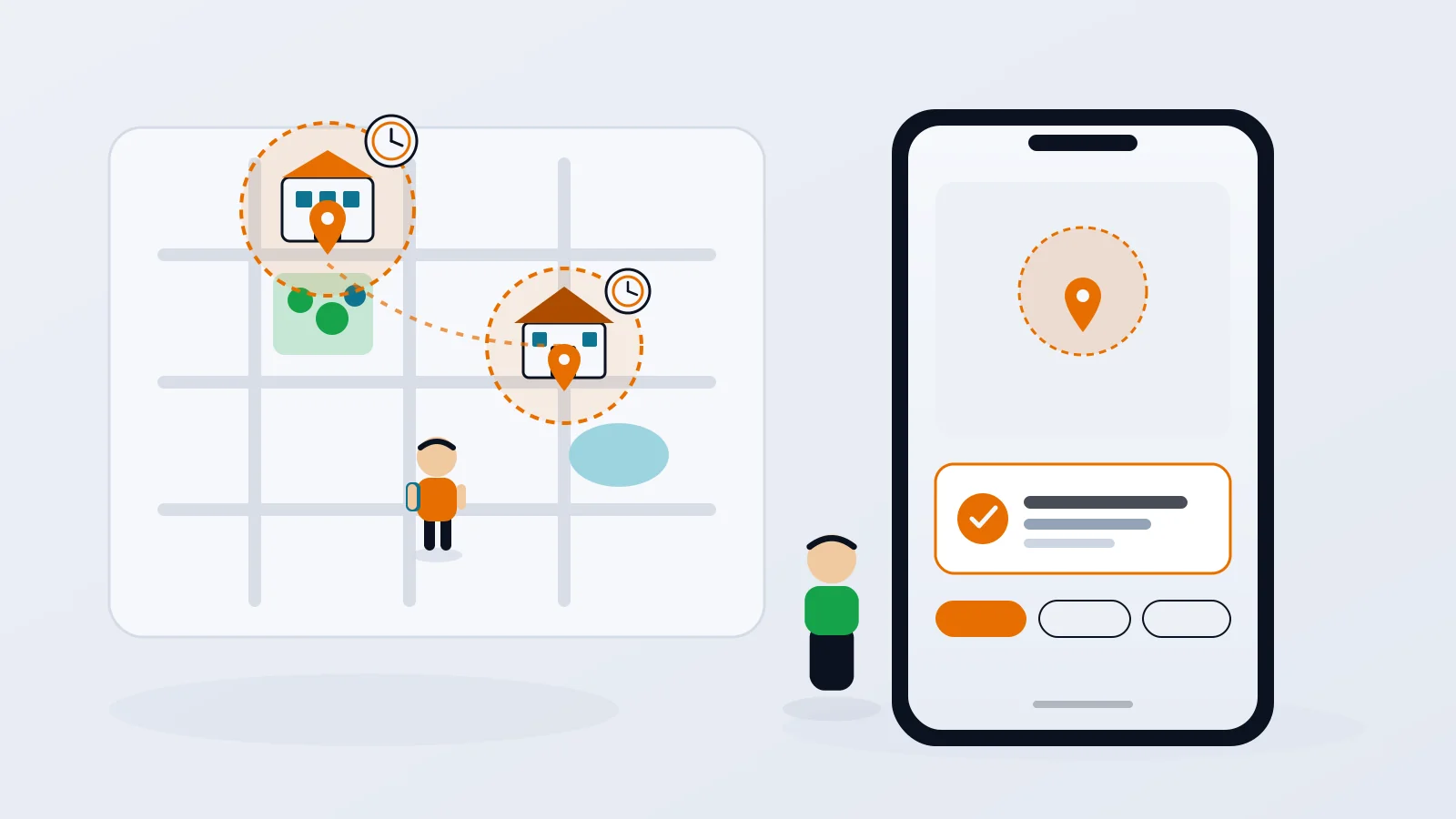
Geofence alerts for kids: how to set them up without the overload
Arrival alerts are only useful if you still read them. How to pick the right places, put each one on a schedule, and get the "she got to school" message without the noise.
· 8 min read
What age should kids get location tracking?
There's no single right age. What matters is the first time your kid is somewhere on their own, and how you plan to dial it back as they grow.
· 7 min read
Life360 alternatives for privacy-minded families
If you like the idea of a family locator but not the idea of your kid's location becoming a data product, here are the realistic options, what they do well, and where they fall short.
· 8 min readMore in our family safety guides and on the blog.