How to speed up your school car line
By Vahe Mailyan, Founder, SafeLoop · · 7 min read
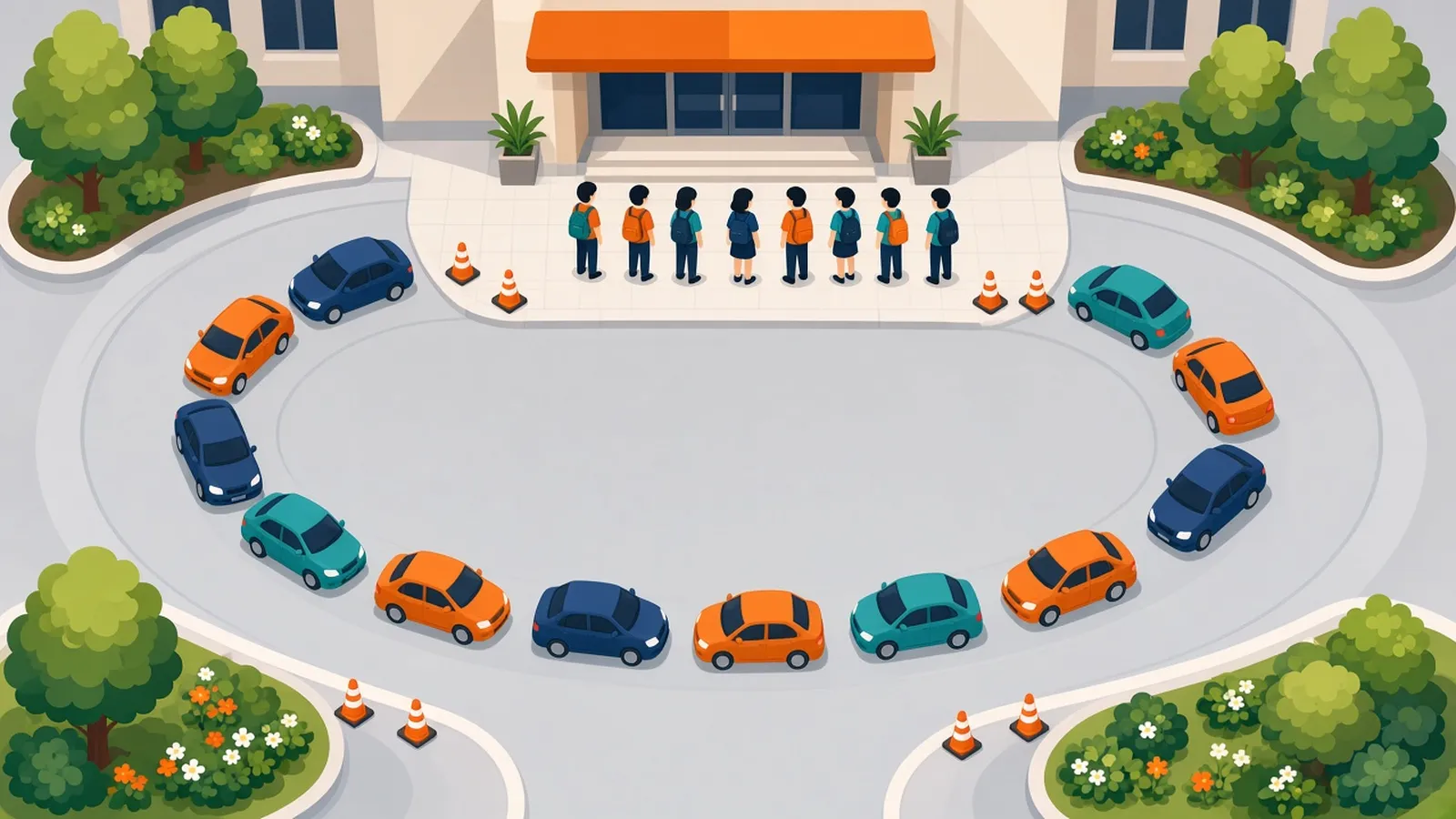
If you run a school, you already know the afternoon car line is one of the most visible things you do. Parents judge the whole school by those 30 minutes. Staff dread it. And neighbors have opinions about the cars backed up down the street.
I'm the founder of SafeLoop, and we make a pickup tool for schools, so I'll get to software at the end. But most of what speeds up a car line has nothing to do with software. Here's what I'd do, roughly in order, starting with changes that cost nothing.
1. Measure it before you change it
You can't tell whether a change helped unless you know where you started. For one week, have someone record three numbers each day:
- Start: when the first child is released to a car.
- End: when the last car-line child is released.
- Stragglers: how many children are still waiting after the line has cleared, and why.
A stopwatch and a clipboard are enough. Note anything unusual, like rain, an early-release day or a substitute on duty. After a week you'll know your real dismissal time and, usually, where the time goes.
2. Find the actual bottleneck
Car lines slow down for a handful of reasons. Watch the line for a few days and figure out which ones are yours:
- Matching delays: staff can't quickly tell which child belongs to which car, so cars wait while someone calls names.
- Loading delays: children aren't ready at the curb, so each car waits while a child finds a backpack or says goodbye.
- Single-file loading: only one car loads at a time, at the front.
- Lot design: cars cross walkers, buses share the same lane, or the line spills onto the street.
- Exceptions: last-minute changes to who's picking up, which send staff running to the office.
Most schools have two or three of these at once. Fix the biggest one first.
3. Fix matching with a simple tag system
If staff are reading faces and guessing, everything else slows down. The low-tech fix most schools use is a numbered card or hang tag for each family, displayed on the dashboard or mirror.
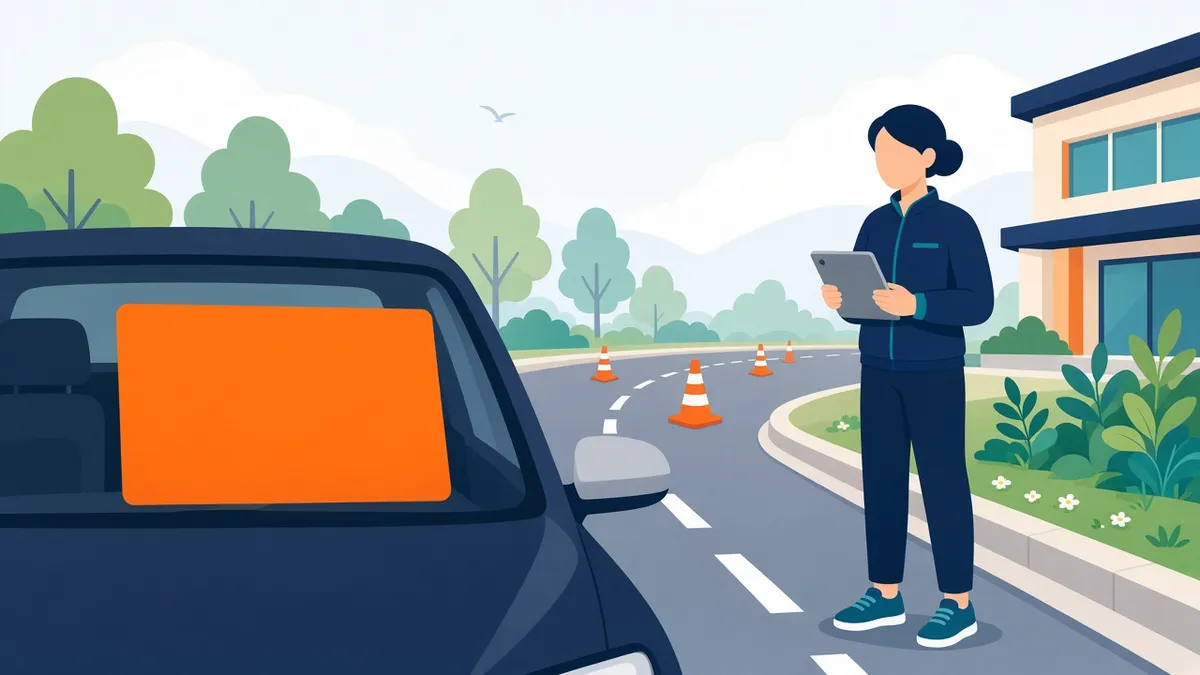
- A spotter stands well ahead of the loading zone and reads tag numbers as cars arrive.
- The numbers are relayed to the staff with students, by radio, a shared screen or a whiteboard.
- Students are called forward before their car reaches the loading zone.
The key is moving the "who is this car?" moment upstream, so by the time a car stops, its child is already walking toward it.
4. Load several cars at once
Single-file loading at the front of the line is the most common slowdown I see. Instead, mark a loading zone long enough for several cars, number the spots, and load all of them at the same time. When every car in the zone is loaded, they all pull forward together and the next group moves in.
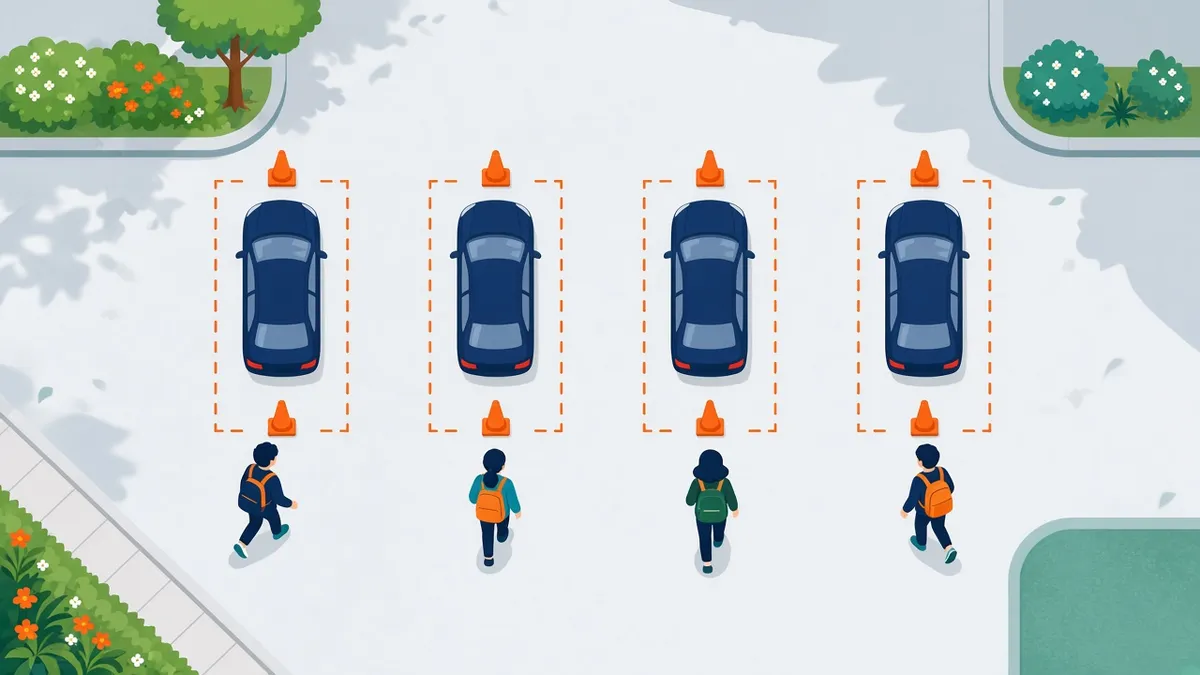
This needs enough staff at the curb to walk children to cars safely, and a clear rule that cars don't pull out of the line until the whole group is released.
5. Stage students so they're ready
The car shouldn't be waiting on the child. A few habits help:
- Students are packed and seated by grade or by tag number before the line starts moving.
- Siblings wait together, ideally with the oldest sibling's group.
- Children know their family's tag number and listen for it.
- After-school programs and walkers are dismissed separately, so they never cross the car line.
If your school is large, consider staggering dismissal by a few minutes by grade or building. It spreads arrivals out and shortens the peak.
6. Give parents a few clear rules
Parents want a fast line too. They just need to know how it works. Send a short, friendly guide at the start of each year and again after winter break:
- Display your tag where staff can see it.
- Stay in your car; staff will bring your child to you.
- Pull all the way forward in the loading zone.
- No phone calls to the front office from the line. If plans change, tell the office by a set cutoff time (many schools use one or two hours before dismissal).
- Arriving very early doesn't make you leave earlier, and it can block the street.
Include a simple map of the lot. People follow a drawing much better than a paragraph.
7. Plan for exceptions in advance
Exceptions eat more staff time than the regular line. Write down what happens when:
- Someone who isn't on the authorized list shows up.
- A child isn't picked up 15 minutes after the line ends.
- It's raining, and the usual waiting area is outside.
- A substitute or new staff member is running the curb.
A one-page dismissal plan that every staff member has seen beats relying on whoever happens to know.
8. Then decide whether software helps
Once the basics are working, a digital tool can remove much of what's left: the spotter's relay, the radio chatter, and the "who's here?" guesswork. Many dismissal apps follow a similar idea. Parents check in from their phone when they arrive, and staff see a live list of who's at the lot.
When you compare tools, ask:
- Does check-in require being at the school? Otherwise parents tap "I'm here" from home to get ahead in the line.
- Does it need new hardware or a staff app install, or does it run on the devices you already have?
- What do you store about parents and students, and who can see it?
- Is pricing published, and can you pilot it before committing?
- What happens for families without smartphones? The answer should be "your current process, unchanged."
How SafeLoop's pickup console works
Here's what ours does, plainly. Your school imports its roster and gives each family a claim code. Parents enter it in the free SafeLoop app. When a parent reaches the pickup lot during pickup hours, a "We're here" button unlocks. Our server checks that they're actually at the lot, so nobody can check in from down the street. The request appears on a live queue in any browser, on an iPad, phone or laptop, showing the child's name, grade, room and who's picking up. Staff tap Acknowledge, then Release, and every pickup is timestamped.
Children don't need a phone or an account. We store one location point per pickup request, only to confirm the parent is at the lot. We never record a parent's location history, and we never sell personal information.
Pricing is published: 50¢ per student per month ($6 per student per year), billed annually by card, check or purchase order, prorated if you start mid-year. Parents never pay for pickup. We offer a free pilot for one grade or one pickup lot, which is how I'd suggest any school try any tool. Start small, measure against your baseline from step 1, and decide from the numbers.
To be upfront: we're a young company, and the tool works best when most of your families use it. Parents without smartphones go through your usual process, and staff handle them as they do today.
If you'd like to try it, start a free pilot. For the parent side of pickup, our school pickup safety checklist is a handy thing to share with families.
Frequently asked questions
How long should a school car line take?
It varies with enrollment, lot size and staffing, so there's no universal target. The useful number is your own baseline: time it for a week, make one change, and measure again.
What is the fastest way to speed up car line dismissal?
For most schools it's moving the "which child belongs to this car?" step upstream with tags or a check-in system, and loading several cars at once instead of single file.
How do we handle last-minute changes to who's picking up?
Set a clear daily cutoff time for changes, require changes to come through the office or a written channel, and keep an up-to-date authorized pickup list for every student. Train every curb staff member on what to do when someone isn't on the list.
Do dismissal apps work if some parents don't have smartphones?
They should. A good system speeds up the families who use it and leaves your existing process in place for everyone else. With SafeLoop, staff simply handle those families the way they do today.
How much does SafeLoop cost for schools?
50¢ per student per month, which is $6 per student per year, billed annually and prorated if you start mid-year. Parents use it free, and there's a free pilot for one grade or one pickup lot.
Try SafeLoop pickup free at your school
Free pilot for one grade or one pickup lot. Then 50¢ per student per month, billed annually. Parents never pay.
Keep reading
How to set up digital school pickup without buying hardware
You don't need RFID tags, a new kiosk or a hardware vendor. Here's how a small or mid-size school can digitize dismissal with the phones, tablets and browsers you already have.
· 9 min read
Geofence alerts for kids: how to set them up without the overload
Arrival alerts are only useful if you still read them. How to pick the right places, put each one on a schedule, and get the "she got to school" message without the noise.
· 8 min read
How to track your teen without spying
The difference between location sharing and spying isn't the app. It's whether your teen knows, agrees and can see what you see. Here's how to set it up so it holds up.
· 7 min readMore in our family safety guides and on the blog.