How to set up digital school pickup without buying hardware
By Vahe Mailyan, Founder, SafeLoop · · 9 min read
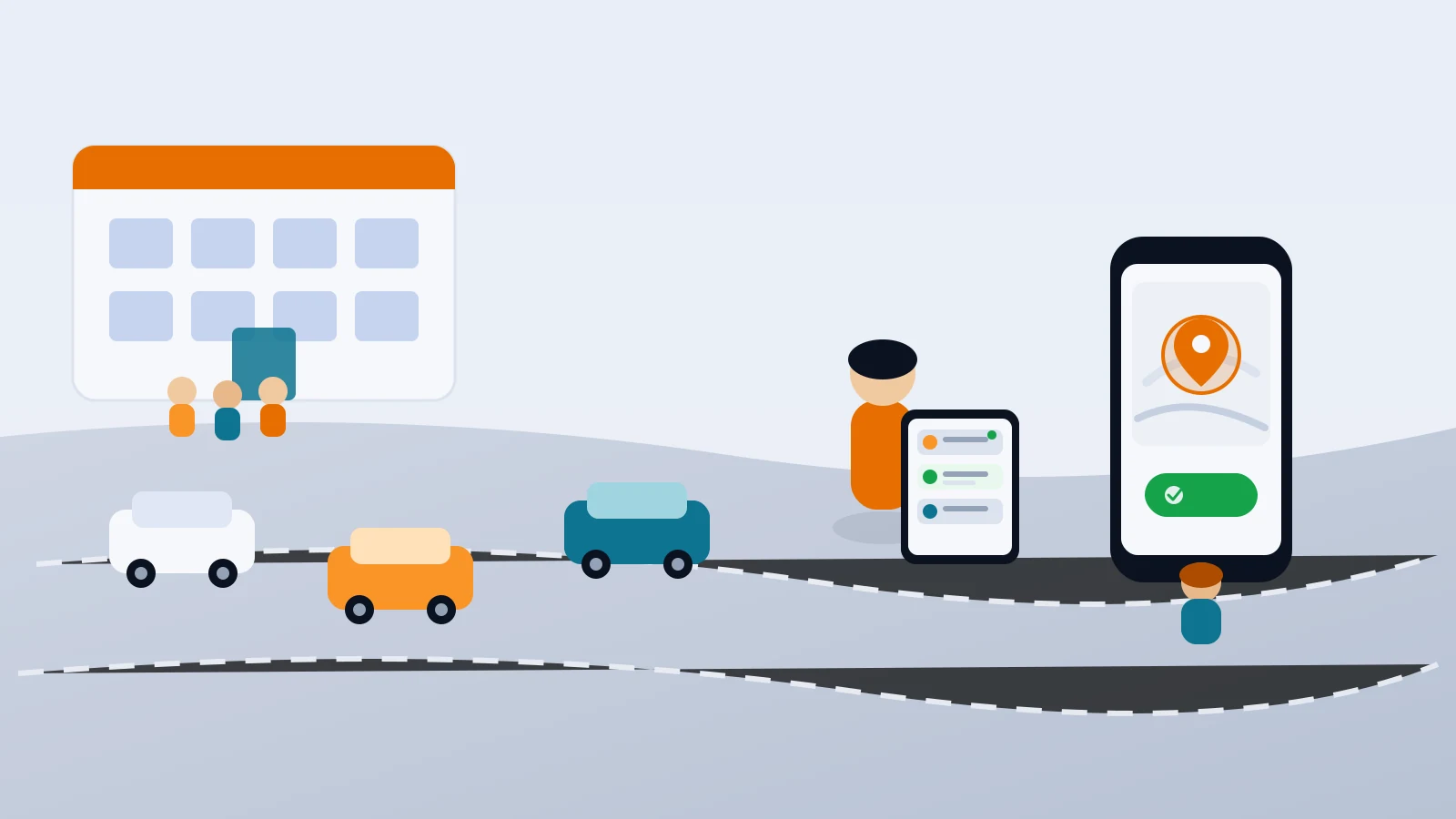
Most "digital dismissal" pitches start with a quote for scanners, badges or a dedicated console. If you run a small or mid-size school, that quote is often the reason the project never starts.
I'm the founder of SafeLoop, a Los Angeles company that builds a school pickup console. I'll tell you honestly how our tool fits at the end. But the useful part of this guide isn't the product. It's how to digitize afternoon pickup with devices you already own, and how to decide what actually needs software versus what just needs clearer process.
If your bottleneck is still lot layout, staging or matching kids to cars, start with our guide on how to speed up your school car line. Those fixes cost little and help whether or not you ever add an app. This post assumes you're ready for the next step: a live queue, a verified parent check-in and a release log, without buying hardware.
What "digital pickup" should mean
Strip away the vendor language and you're usually buying three jobs:
- Parents tell the school they're here, without calling the office or waving at a spotter.
- Staff see a live ordered list of who's at the lot, which child, which room and who's picking up.
- Every release is logged, so you know who was released, by whom and when.
That's it. RFID gates, dedicated kiosks and staff-only apps are optional wrappers around those three jobs. For many schools, a parent's phone and a staff browser tab are enough.
What digital pickup is not: a rewrite of your lot map, a replacement for authorized-pickup lists or a reason to put phones in kids' hands. Children don't need a phone or an account for school pickup. The parent's phone does the check-in; staff do the release.
Decide what still needs no software
Before you evaluate any tool, write down the pieces of dismissal you can tighten on paper. A short parent guide, a clear cutoff for pickup changes, a one-page rain plan and a shared authorized list will still matter after you go digital. Software that sits on a messy process just makes the mess faster.
Also decide what "done" looks like for you. Is the goal shorter curb time, fewer radio calls, a paper trail for incidents or less stress for a substitute running the lot? Pick one primary goal. You'll use it when you pilot.
The stack you already have
You almost certainly own everything required for a no-hardware setup:
- Parent phones. Most families already have a smartphone. Those without one keep your existing curb process; the digital queue just speeds up everyone else.
- Staff tablets, phones or laptops. Any modern browser can show a live queue. Nothing has to be installed on staff devices.
- Your roster. Names, grades, rooms and authorized guardians are the only data most pickup tools need on day one.
- A pickup lot boundary. A geofence around the lot lets the system unlock check-in only when a parent is actually there, so nobody taps "I'm here" from home to jump the line.
If a vendor requires new scanners, staff app installs or a dedicated appliance as the minimum to start, ask whether you can pilot on browser-only first. Many schools can.
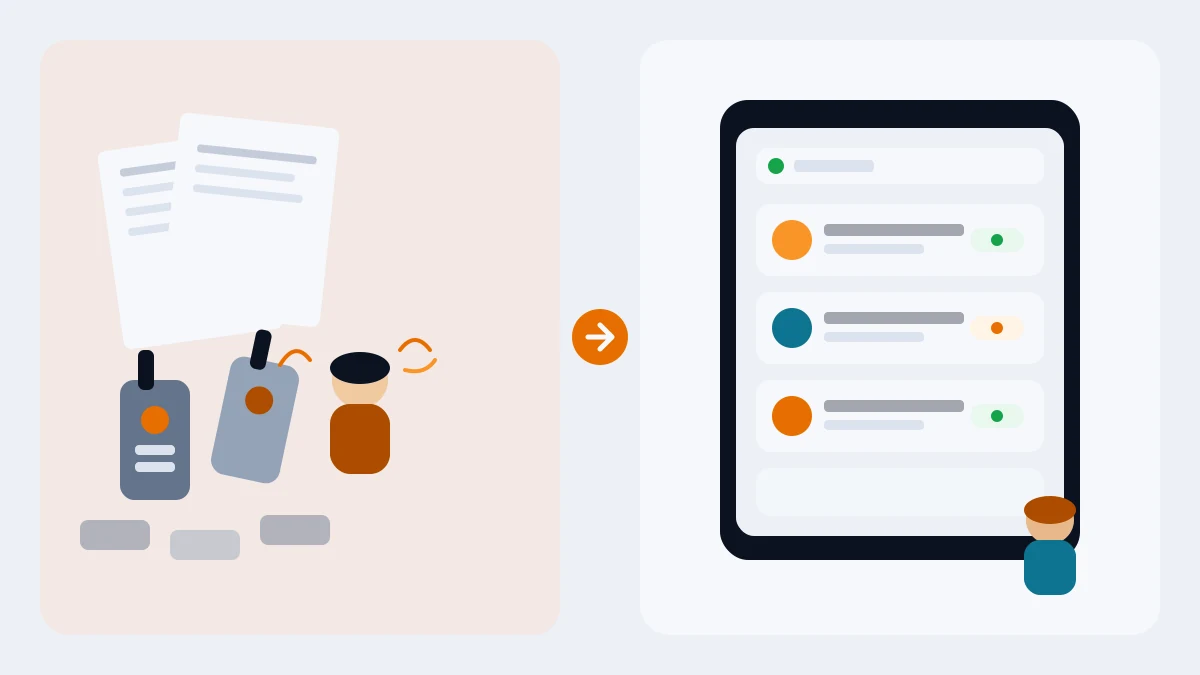
Week 1: Baseline and pick a pilot slice
Don't digitize the whole school on day one. Pick one grade, one building or one pickup lot.
For that slice, measure what you already do for a few days: how long dismissal lasts, how many radio or office calls you get about "who's here," and how often someone has to chase an unauthorized or last-minute change. A clipboard is fine. You're building a before picture so the pilot has numbers, not opinions.
In the same week, name a pilot owner (often an assistant principal or office manager), list which staff will run the queue and decide how families without smartphones will still be served. Write that backup process down; it shouldn't be improvised at the curb.
Week 2: Roster, claim codes and a dry run
Import only the pilot roster. Give each family a claim code and a short note explaining what will change: parents check in from the lot on their phone; staff see them on a screen; kids still wait the same way they do today.
Run a dry dismissal without live traffic. Staff open the browser console on the same iPad or laptop they'll use at the curb. A couple of parents practice the check-in flow after school or at pickup rehearsal. Confirm that:
- Check-in only works at the lot (or only during your test window).
- The queue shows the fields staff actually need: child name, grade, room, who's picking up.
- Acknowledge and release are obvious under pressure.
- Someone without the app can still be processed the old way.
Fix friction here. A five-minute confusion in a dry run becomes a fifteen-minute backup at 3:05.
Week 3: Soft launch with real pickup
Turn the pilot on for real dismissal, with extra staff eyes for the first few days. Keep radios as backup until the queue earns trust. Tell parents the pilot is optional for a short window if that reduces anxiety; early adopters create the habit for everyone else.
Watch for the failure modes that matter:
- Check-ins from outside the lot. If those reach staff, the verification isn't working.
- Queue lag or wrong room. Staff will abandon a slow or inaccurate list.
- Unclear who releases. Every release needs a named staff action and a timestamp.
- Exceptions still eating the office. Last-minute pickup changes should still follow your cutoff rule; software shouldn't become a back channel.
Debrief after three days. Keep what worked. Change one thing at a time.
Week 4: Measure, decide and expand carefully
Compare the pilot week to your Week 1 baseline. Did radio chatter drop? Did curb time move? Did substitutes say the lot was easier to run? Did parents without phones feel left out, or did the backup process hold?
If the pilot helped, expand to the next grade or lot with the same cadence: roster, codes, dry run, soft launch. If it didn't, you learned cheaply. Either way, you avoided a hardware purchase to find out.
When you do expand, resist turning every exception into a new software setting. The schools that get the most from digital pickup keep the rules short and the queue simple.
What to ask any vendor (including us)
Whether you evaluate SafeLoop or another tool, ask the same questions:
- Does check-in require being at the school? Lot verification should be server-side, not honor-system.
- Do staff need a special app or device? Browser-only is what "no hardware" actually means.
- What location data do you store about parents? Prefer one point per request to confirm the lot, not a parent location history.
- Do kids need phones or accounts? For pickup, they shouldn't.
- Is pricing published, and can you pilot one slice for free?
- What happens for families without smartphones? Your current process should still work.
For the parent-facing side of a safer dismissal, our school pickup safety checklist is a useful handout. On student and family data, read our privacy policy before you pilot anything.
How SafeLoop does this without hardware
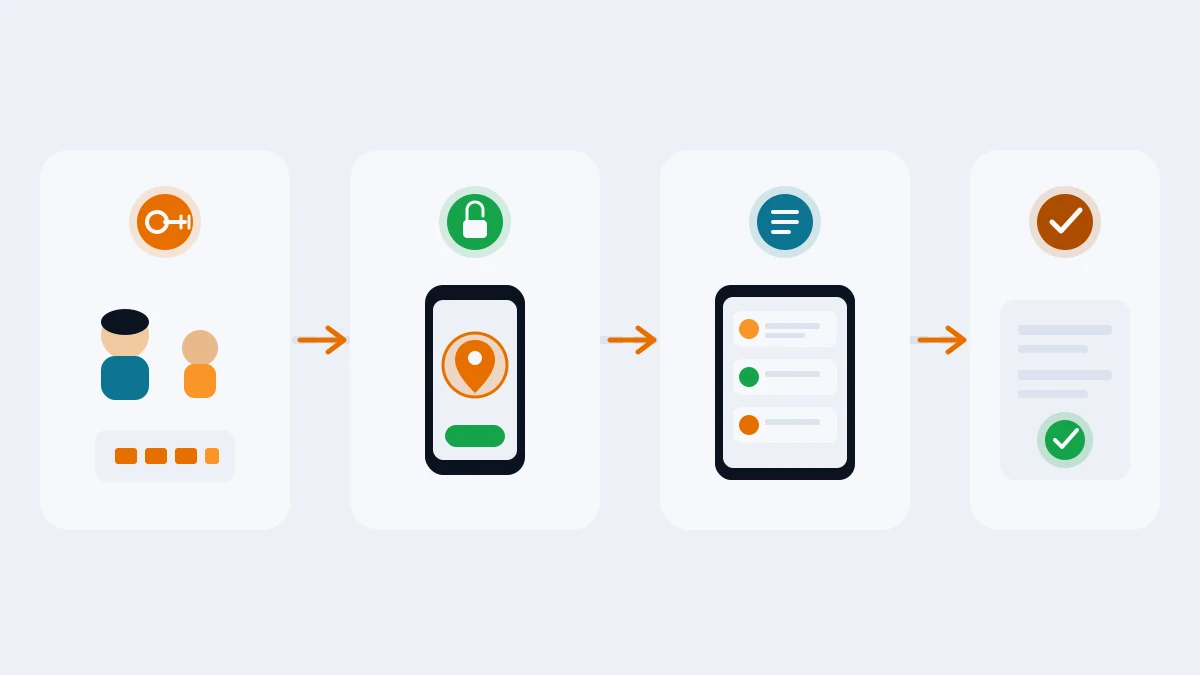
SafeLoop's school console is built for the stack above. Your school imports a roster and shares claim codes. Parents link in the free SafeLoop app. When a parent reaches the pickup lot during pickup hours, a "We're here" button unlocks. Our server checks that they're actually at the lot before the request reaches staff. The live queue runs in any browser on an iPad, phone or laptop: child name, grade, room and who's picking up. Staff tap Acknowledge, then Release. Every pickup is timestamped.
Kids don't need a phone or an account. We store one location point per pickup request, only to confirm the parent is at the lot. We don't record a parent's location history, and we don't sell personal information.
Founding school pricing is 50¢ per student per month ($6 per student per year), locked for schools that sign on at that price, billed annually and cancelable. Parents never pay for pickup. We offer a free pilot for one grade or one pickup lot, which is how I'd try any tool.
We're upfront that the tool helps most when a critical mass of families use it, and that paper-and-radio improvements still matter. If your lot layout is the real bottleneck, fix that first — again, start with the car line guide. If matching and logging are the pain, a browser queue on devices you already have is usually enough to start.
If you'd like to try it, start a free pilot or read more on our schools page.
Frequently asked questions
Do we need to buy tablets or scanners to digitize school pickup?
Usually no. A parent smartphone for check-in and a staff browser on an iPad, phone or laptop you already own cover the core jobs: live queue, lot check-in and release logging. Buy hardware only if a specific need (like badge scanning at a gate) isn't met by that setup.
Can parents check in from home to get ahead in line?
They shouldn't be able to. A good system unlocks check-in only during pickup hours and verifies the parent is actually at the lot before the request reaches staff.
Do students need phones for digital dismissal?
No. For school pickup, children don't need a phone or an account. The parent's phone does the check-in; staff handle release.
What if some families don't have smartphones?
Keep your existing curb process for them. Digital pickup should speed up families who use it and leave the rest unchanged, not create a two-tier lot you can't run.
How long does setup take for a small school?
Many schools can pilot one grade or one lot in a few weeks: baseline and owner in week one, roster and dry run in week two, soft launch in week three, then measure and decide. Whole-school rollouts take longer only because of training and communication, not because of hardware installs.
How much does SafeLoop cost for schools?
Founding price is 50¢ per student per month, locked for founding schools, with cancel-anytime terms and a free pilot for one grade or one pickup lot. Parents use pickup free.
Try SafeLoop pickup free at your school
Free pilot for one grade or one pickup lot. Then 50¢ per student per month, billed annually. Parents never pay.
Keep reading
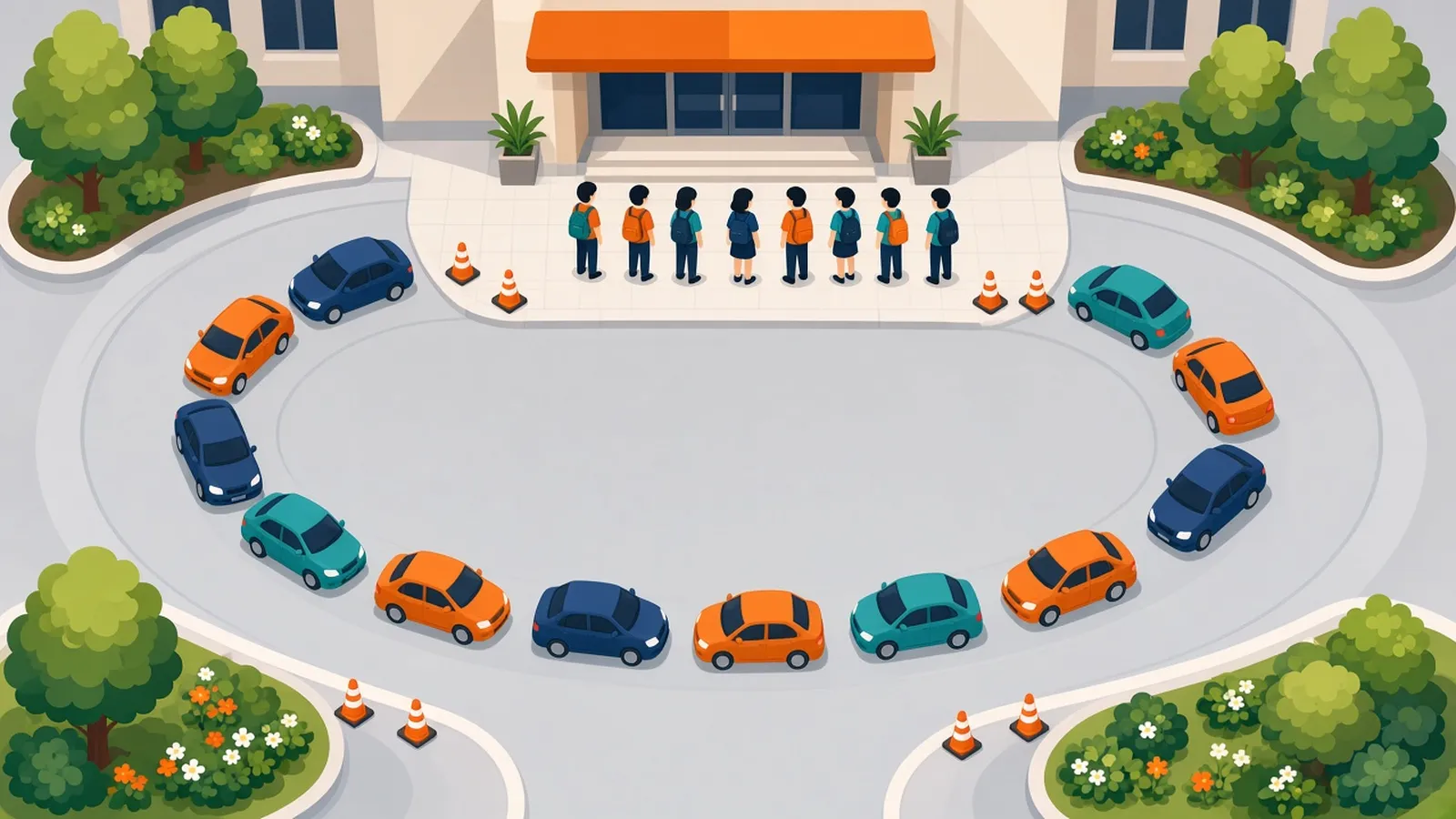
How to speed up your school car line
Most slow car lines aren't a traffic problem. They're a matching problem: getting the right child to the right car at the right moment. Here's how to fix it, starting with changes that cost nothing.
· 7 min read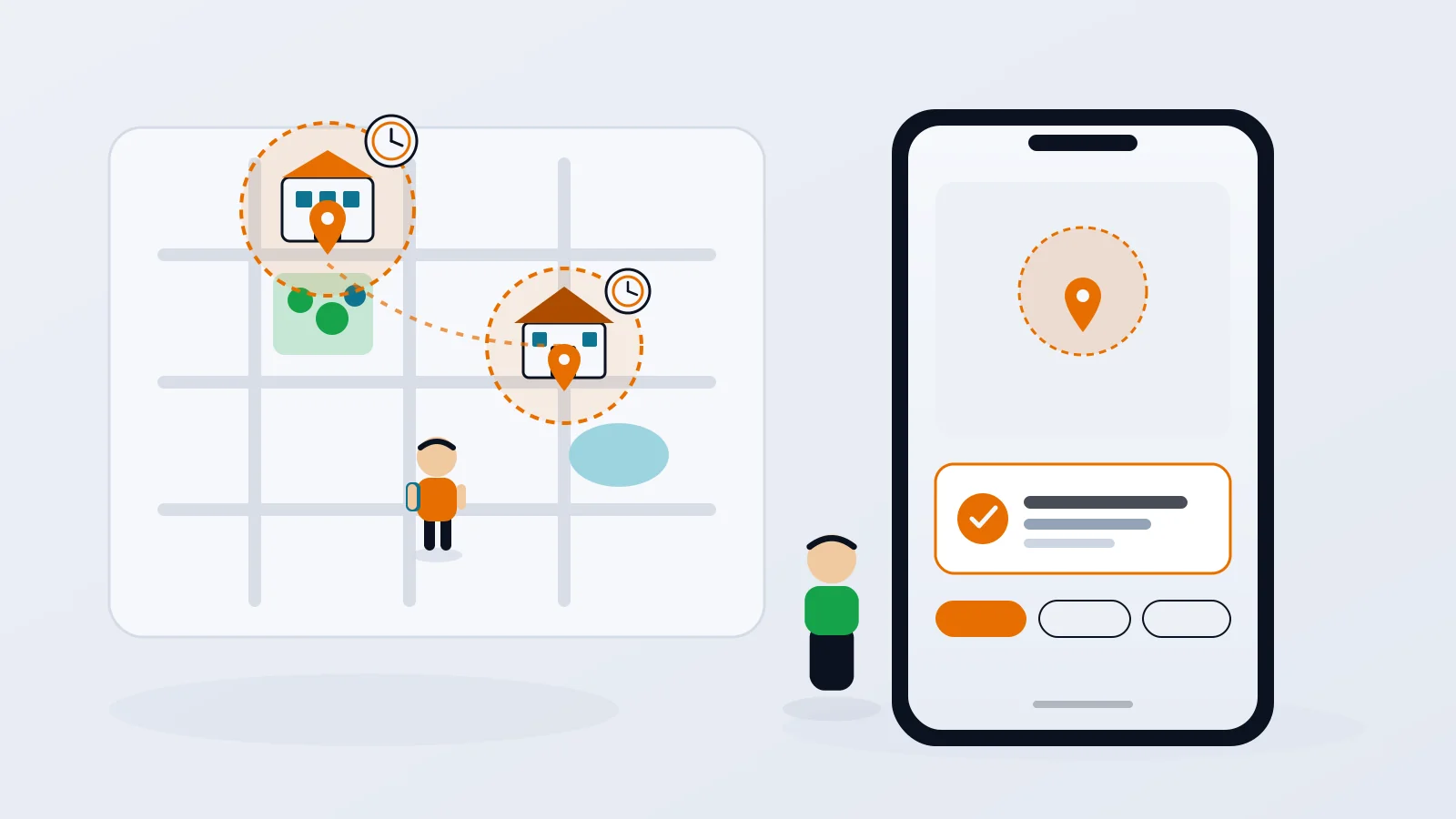
Geofence alerts for kids: how to set them up without the overload
Arrival alerts are only useful if you still read them. How to pick the right places, put each one on a schedule, and get the "she got to school" message without the noise.
· 8 min read
How to track your teen without spying
The difference between location sharing and spying isn't the app. It's whether your teen knows, agrees and can see what you see. Here's how to set it up so it holds up.
· 7 min readMore in our family safety guides and on the blog.