How to roll out a new school pickup process to parents
By Vahe Mailyan, Founder, SafeLoop · · 9 min read
Most new dismissal processes don't fail at the curb. They fail in the inbox. Families get one email two days before launch, half don't read it, and the first afternoon is a line of confused parents asking staff what changed.
I'm the founder of SafeLoop, a Los Angeles company that builds a school pickup console, and I'll explain how our tool handles rollout at the end. But this guide is about the part every school has to do no matter what it uses: telling families what's changing, getting them ready before the first day, and keeping grandparents, carpools and last-minute pickup changes from falling through the cracks.
If you're still deciding what the new process should be, start with how to speed up your school car line and digital school pickup without buying hardware. This post picks up once you've decided.
Start with the decisions parents will ask about
Before you write anything, settle the questions parents will ask on day one. If staff give different answers at the curb, families stop trusting the process fast.
Write down, in one place:
- The start date, and whether there's an overlap week where the old process still works.
- What the parent does now: where to wait, what to tap or show, and when.
- What the child does: usually nothing new. Say so. Families worry about this more than you'd expect.
- Who can pick up, and how that list gets updated.
- Your daily cutoff for pickup changes, and the one channel those changes must come through.
- What happens for families without a smartphone, or on a day when someone's phone dies.
Keep each answer to one or two sentences. If an answer needs a paragraph, the process probably needs simplifying first.
The announcement letter (a template you can adapt)
One clear letter does more than five reminder emails. Send it about two weeks before launch, by email and on paper, and post it wherever your school keeps family announcements. Here is a template. Replace the brackets and cut anything that doesn't apply to you.
Subject: A new way to pick up your child, starting [date]
Dear [School name] families,
Starting [date], we're changing how afternoon pickup works. Our goal is a shorter, calmer car line and a clear record of every student's release.
What's changing for you: When you arrive at [pickup area], you'll [check in on your phone / show your pickup tag / pull into lane A]. Our staff will see that you're here and bring [child's name] to you.
What's not changing: Your child doesn't need a phone. Dismissal times stay the same. If you don't have a smartphone, [describe the backup process]; you'll still be served.
Before [date], please: [set up the app with the code below / confirm the adults on your authorized pickup list / complete the attached form].
Pickup changes: Any change to who's picking up must reach the office by [time] through [channel]. We can't accept changes at the curb.
Practice day: We'll run a practice pickup on [date]. If something doesn't work, that's the day to tell us.
Questions? Contact [name] at [email or phone].
Thank you for helping us make pickup safer for every student.
Translate it into the main languages your families speak. Then have a staff member who isn't on the project read it: if they can't explain the process back in thirty seconds, rewrite it.
Get families set up before the first day
The worst time for a parent to try a new process for the first time is 3:05 PM with cars behind them. Move setup earlier:
- Send setup steps with the letter, not on launch day. If your process uses an app, include the code or link each family needs.
- Use touchpoints you already have. Back-to-school night, registration and morning drop-off are good moments for a two-minute walkthrough.
- Track who's ready. A count of families set up, by grade, tells you where to send a second reminder. Aim for a clear majority, not 100%.
- Run one practice pickup. A low-stakes afternoon where staff and families try the flow catches the confusing step before it costs you a real dismissal.
Families who set up early become your best help: a parent who already did it answers "how does this work?" faster than a flyer.
Your first-week plan
Treat the first week as part of the rollout, not the finish line.
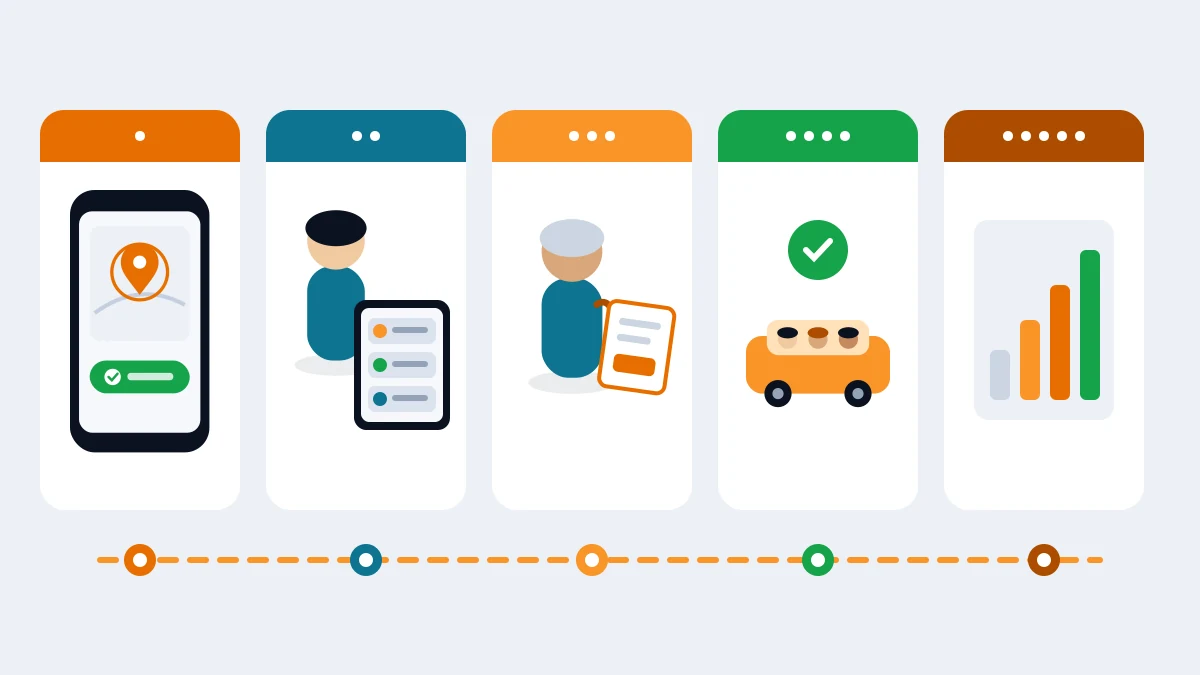
- Day 1: extra hands, old backup on. Put one more staff member than usual at the curb, and keep radios and your paper list running in parallel. Expect to slow down. Tell families that's normal.
- Day 2: fix the obvious. If three families asked the same thing on Day 1, the letter missed it. Send one short follow-up.
- Day 3: watch the exceptions. Late changes, unknown adults and families who skipped setup all show up by now. Handle each one through your written process, not a curb improvisation.
- Day 4: give staff the queue. If things are steady, let the new process lead and keep the old one as backup only.
- Day 5: debrief. Fifteen minutes with the curb team. What slowed you down? Which families still need help? Change one thing for week two.
If you measured dismissal before launch, compare the first full week against it. Numbers keep the debrief honest.
Late adopters, grandparents and carpools
Late adopters. Some families will ignore the letter, the reminder and the practice day. Keep a short backup process, such as a staff member with the paper list at the end of the line, and give those families a friendly nudge rather than a lecture.
Grandparents and other caregivers. A grandparent who picks up on Tuesdays may never see a school email. Ask parents directly in the letter to share setup steps with every adult who picks up. Offer the same backup process for caregivers who won't use a phone at the curb. That should be a normal option, not a failure.
Carpools. Carpools break processes built around "one parent, one child." Ask carpool families to tell the office in writing which adults drive which days. Make sure every driver is on the authorized list for every child they pick up. If a driver isn't on a child's list, that child waits for the office, the same as any unlisted adult.
Authorized-pickup changes without the chaos
Your new process is only as safe as the list behind it. A few rules hold up in almost every school:
- One source of truth. The office keeps the authorized pickup list. The curb process should check against it, not replace it.
- A daily cutoff, in writing. Changes after the cutoff go through a call to the office, never a note to the curb staff.
- Remove access promptly. When a family tells you someone should no longer pick up (a separation, a nanny who left, a carpool that ended), update the list that day and confirm back in writing.
- Unknown adult, no release. Curb staff should know exactly who to call when an adult who isn't on the list arrives.
For a family-facing version of these rules, our school pickup safety checklist makes a good attachment to your announcement.
How SafeLoop handles rollout
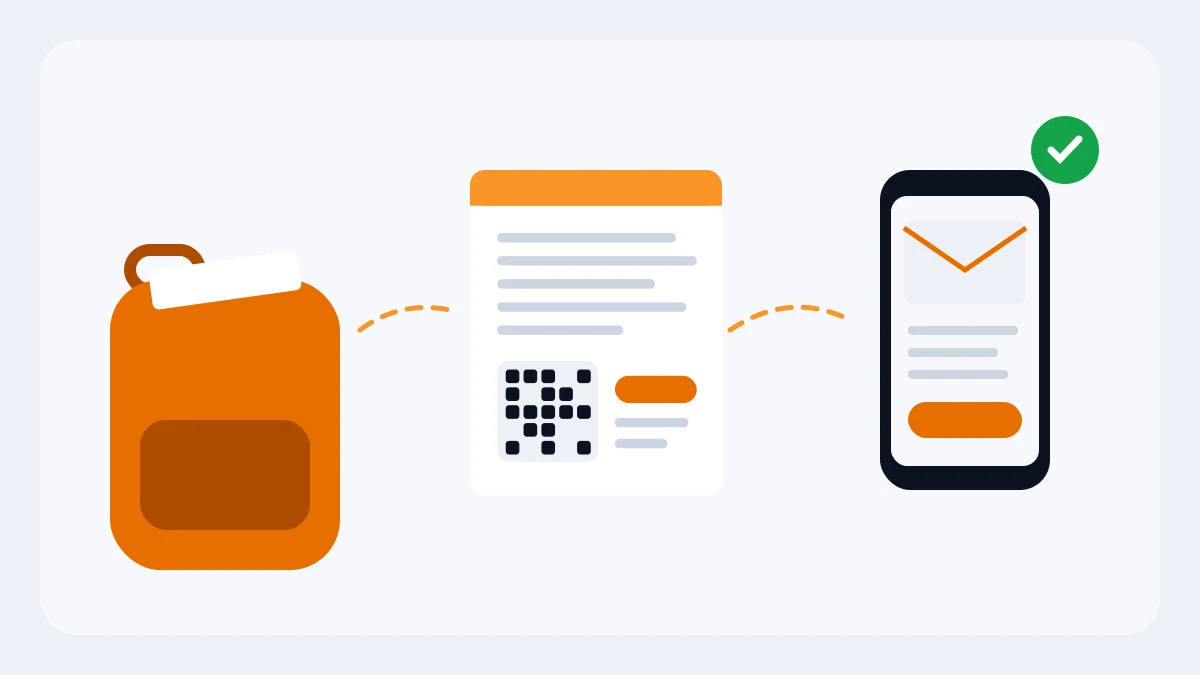
SafeLoop's console is built around the steps above. You import your roster, including the guardians you list for each student. From the roster you can print a family letter for each student, one page with their pickup code, a QR code and the steps to link in the free SafeLoop app, to send home in backpacks or hand out at registration. A school admin can also email each listed guardian their children's codes in one message per parent.
Parents whose email or phone matches your roster are linked as soon as they enter the code, and one code links all of their listed children at your school. Anyone else who enters a code waits as pending until staff approve them in the console, and admins can revoke any guardian's link at any time. That's how grandparents and carpool drivers get added on purpose, not by accident.
At pickup, the "We're here" button only works during your pickup hours, and our server checks that the parent is actually at the lot before the request reaches staff. The live queue runs in any browser. Every release is timestamped, and the reports page shows requests, releases and the average wait from arrival to release, which makes the Day 5 debrief easy. Kids don't need a phone or an account, and families without a smartphone keep your usual curb process.
Founding school pricing is 50¢ per student per month, locked for schools that sign on at that price, and you can cancel anytime. Parents never pay for pickup. You can start with a free pilot for one grade or one pickup lot, which is also the easiest way to roll out: one slice of families first, then the rest. Student and family data handling is covered in our privacy policy.
If you'd like to try it, start a free pilot or read more on our schools page.
Frequently asked questions
How far in advance should we announce a new pickup process?
About two weeks before launch is a good default, with one short reminder a few days out. That gives families time to read it, set up anything they need and ask questions before the first real dismissal.
What should a pickup change announcement letter include?
The start date, what the parent does now, what the child does (usually nothing new), who can pick up and how to change that, the daily cutoff for changes, the backup for families without a smartphone, a practice date and who to contact with questions.
How do we handle parents who don't adopt the new process?
Keep a short backup process, such as a staff member with the paper list, and nudge late adopters kindly. Don't hold up the line or turn them away.
How should grandparents and carpool drivers be added?
Through the office, in writing, onto the authorized pickup list for each child they collect. Ask parents to share setup steps with every adult who picks up. Caregivers who won't use a phone can use your backup process.
Do students need a phone for digital pickup?
No. In SafeLoop, children don't need a phone or an account. The parent's phone does the check-in, and staff release the child from the live queue.
Try SafeLoop pickup free at your school
Free pilot for one grade or one pickup lot. Then 50¢ per student per month, billed annually. Parents never pay.
Keep reading
How to set up digital school pickup without buying hardware
You don't need RFID tags, a new kiosk or a hardware vendor. Here's how a small or mid-size school can digitize dismissal with the phones, tablets and browsers you already have.
· 9 min read
How to speed up your school car line
Most slow car lines aren't a traffic problem. They're a matching problem: getting the right child to the right car at the right moment. Here's how to fix it, starting with changes that cost nothing.
· 7 min read
SOS button for kids: how to set it up so it actually gets used
An SOS button only helps if your child will press it. Here's how to set it up together, practice once, handle false alarms and know when 911 still comes first.
· 8 min readMore in our family safety guides and on the blog.