Who can pick up? How to keep your authorized pickup list accurate
By Vahe Mailyan, Founder, SafeLoop · · 10 min read
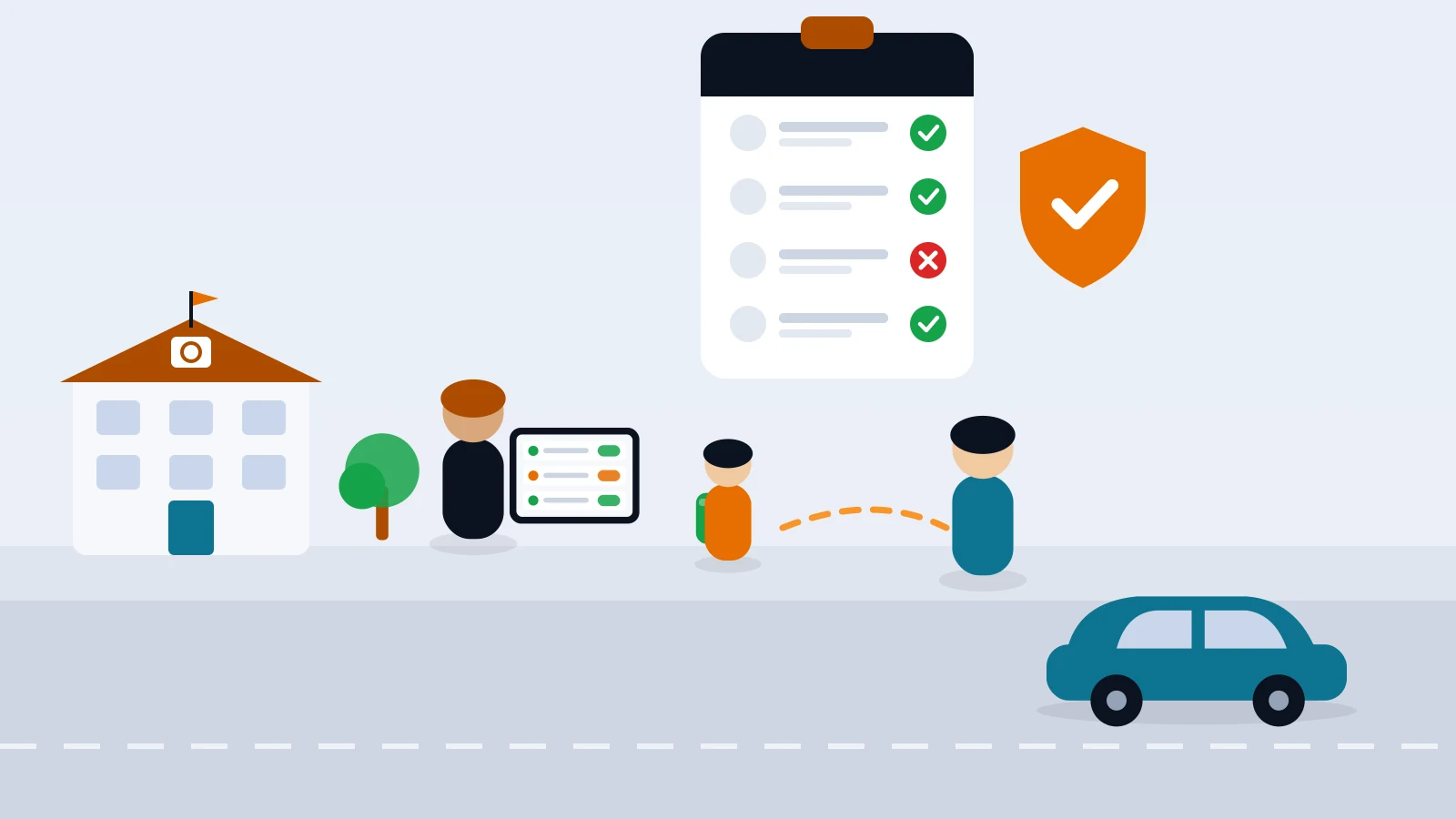
Every school has an authorized pickup list. Far fewer have one that's still accurate in March. Families separate, nannies leave, a grandmother starts doing Thursdays, a court order changes who can collect a child, and the list in the office binder (or the student information system) quietly falls behind.
I'm the founder of SafeLoop, a Los Angeles company that builds a school pickup console, and I'll explain how our tool fits in at the end. But most of this guide is about policy and habits, not software: how to build the list, how to handle custody paperwork, how to take last-minute changes without opening a hole, and what curb staff should do when the person in front of them isn't on the list.
One note before we start: I'm not a lawyer. Custody and records questions depend on your state and district, so run your written policy past your district office or counsel.
Why pickup lists drift
Lists rarely go wrong in one big moment. They drift through small, ordinary changes that never reach the office:
- Family changes. A separation, a new partner, a parent who moves away.
- Caregiver turnover. A nanny or after-school sitter who leaves mid-year and is never removed.
- Informal additions. "Grandpa can grab her today" becomes a standing arrangement nobody wrote down.
- Copies. The office list, the teacher's clipboard and the after-school program's sheet each get updated at different times.
- Paperwork that arrives once. A court order is handed in, filed, and never connected to the list staff actually use at dismissal.
The fix isn't a bigger form at registration. It's a small number of rules that every change has to pass through, all year.
Build the list on purpose
Treat each student's list as a record that someone with authority created and can explain. For every adult on it, keep:
- Full name and relationship to the student.
- A phone number on file, so you can call them (or call the parent about them).
- Any limits, such as specific days, or "only with a call from Mom first."
- Who added them and when. A parent's signature or email, plus the date.
Then decide, in writing, who can change the list. Usually that's a parent or legal guardian with rights to make that call, not a grandparent, coach or babysitter, even a trusted one. And decide where the master copy lives. One list, owned by the office. Everything else (clipboards, the after-school sheet, any app) should be checked against it or synced from it, never edited on the side.
If your student information system already holds emergency contacts, don't assume those are pickup authorizations. "Call this person in an emergency" and "release my child to this person" are different permissions, and families often fill in the first without meaning the second. Ask both questions separately.
Custody orders and restrictions
This is the part that makes office managers nervous, and for good reason. A few principles help.
Start from "both parents," unless you have paperwork that says otherwise. For education records, federal FERPA rules say a school must give full rights to either parent unless it has been given evidence of a court order, state statute or legally binding document that specifically revokes those rights (34 CFR 99.4). A federal National Center for Education Statistics (NCES) guide adds that custody or living arrangements don't, by themselves, change those rights (NCES guide to FERPA and noncustodial parents). FERPA is about records, not dismissal, but many schools use the same mindset for pickup: a parent isn't restricted just because the other parent says so. A restriction needs a document.
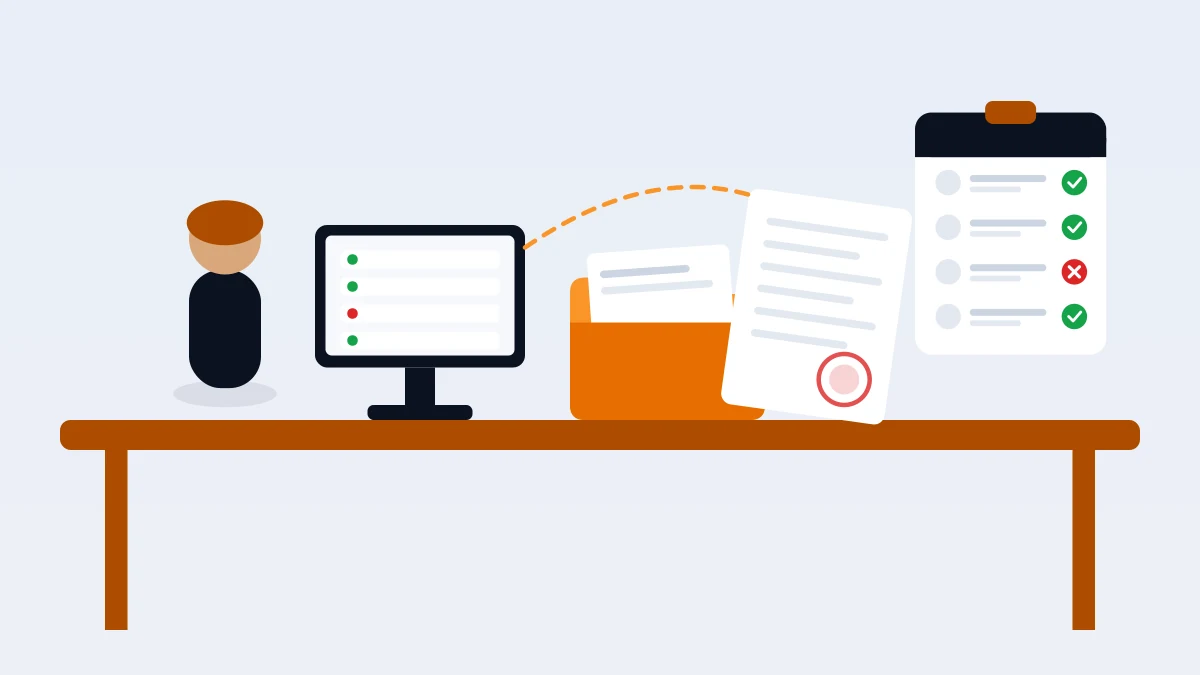
Ask for the actual document, and keep the current version. When a family tells you about a custody order or a protective order, ask for a copy, check the dates and the part that concerns the school, and note on the student's record that a restriction exists and where the paperwork is filed. When a newer order arrives, it replaces the old one. Write that down too. The Department of Education's FAQ notes that a school may ask for documentation such as a birth certificate or court order from a parent requesting records access (studentprivacy.ed.gov), and the same habit of asking for paper protects you at pickup.
Make restrictions visible where release happens. A court order in a locked file cabinet doesn't help the staff member at the curb at 3:05 PM. The people releasing students need a clear signal, without the private details: "Do not release to anyone not on this list. Call the office."
Don't settle custody disputes at the curb. If a restricted parent arrives, or two parents disagree in front of you, curb staff shouldn't argue or interpret an order. Their job is to keep the student with staff and bring in the office. Your written policy should say who decides next, and when your district expects you to call law enforcement.
Last-minute changes without the loophole
Most pickup problems aren't custody cases. They're Tuesday afternoons: "My sister is getting him today." These changes are normal, and you want families to tell you about them. You just don't want a change to be easy to fake.
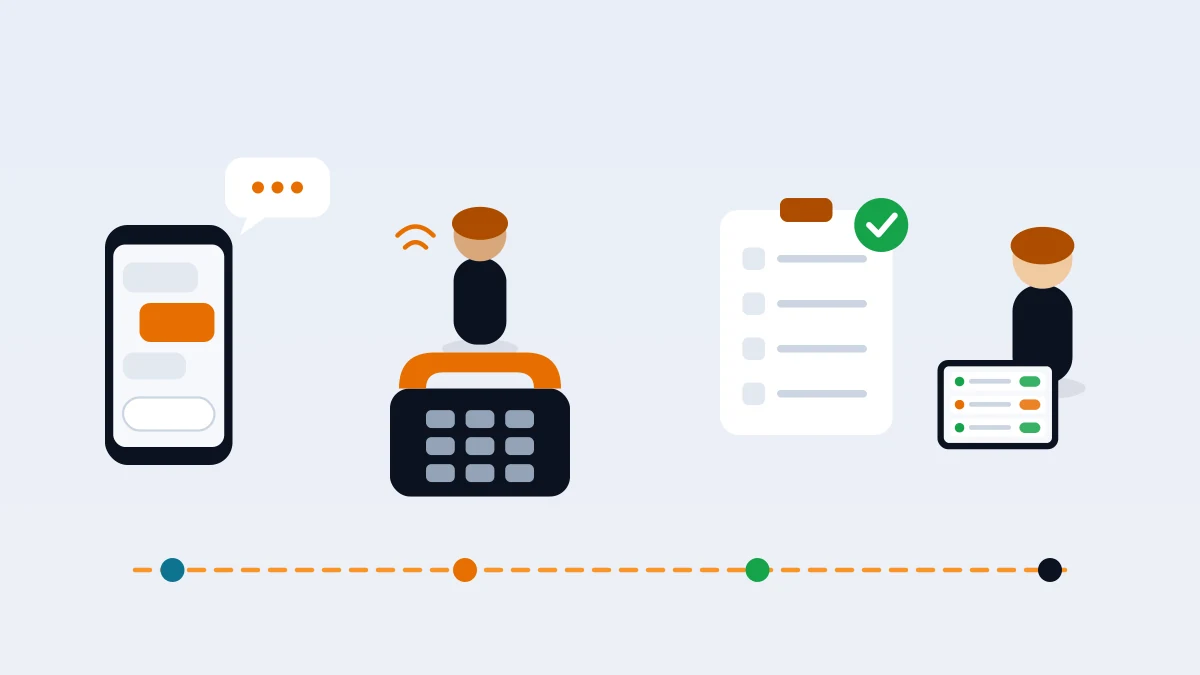
- One channel. Pick the way changes reach you (a call to the office, an email from the address on file, a message in your school's parent app) and say so in every family handbook and letter. Notes handed to the teacher and texts to a staff member's personal phone don't count.
- A daily cutoff. For example, changes by 1:00 PM. After that, the parent calls the office directly, and the office decides.
- Verify from your side. If a change comes from an unfamiliar number or address, call back the parent at the number already on file, not the number in the message.
- Write it down. Who asked, who took it, who's picking up, and for which day. A one-day change should expire on its own, not quietly become permanent.
- Tell the curb. The person releasing students needs to know about today's exceptions before dismissal starts, not after the car pulls up.
If a parent wants someone added for good, send them back through the normal list update, in writing. Don't let a string of one-day changes turn into a standing authorization nobody approved.
When someone who isn't on the list shows up
It will happen, usually with a perfectly innocent explanation. Give curb staff a script so they don't have to improvise:
- Stay friendly, keep the student with staff. "I just need to check with the office. It'll only take a minute."
- Ask for ID and the name of the parent who sent them.
- Call the parent at the number on file. If you reach them and they authorize it, follow your written rule for verbal changes (for example, a follow-up email from the address on file).
- No confirmation, no release. The student waits in the office until a listed adult is reached.
- Log it. Unexpected pickups are a sign the list or the change process needs work.
Practice this once with staff before you need it. The first time shouldn't be in front of an upset adult and a line of cars.
Keep the list accurate all year
A list is only as good as its last review. Build reviews into the calendar instead of waiting for a problem:
- Start of year: every family confirms their list, even if "nothing changed."
- After winter break: a short reminder to update caregivers, carpools and after-school arrangements.
- When paperwork arrives: custody or protective orders trigger an immediate review of that student's list.
- Same-day removals: when a family says someone should no longer pick up, remove them that day and confirm back in writing.
- One list for partners: if an after-school program or extended-day staff release students too, make sure they work from the same list, not a copy from September.
For a family-facing version of your pickup rules, our school pickup safety checklist is a good handout. If you're also changing how dismissal works, see how to roll out a new school pickup process and how to speed up your school car line.
How SafeLoop helps (and what it doesn't do)
SafeLoop's console is built around one list. You import your roster with the guardians you expect for each student, and that list decides who gets linked. Each student has a pickup code you can email to listed guardians or print on a take-home letter. A parent whose email or phone matches your list is linked as soon as they enter the code. Anyone else who uses the code waits as pending until staff approve or deny them in the console. One caution: if a student has no guardians listed, anyone who enters that code is linked right away, so list your guardians.
When a family's situation changes, an admin can revoke any guardian's link to a student, and can give a student a new code so the old one stops working immediately. Already-linked parents stay linked, so revoke anyone who shouldn't be. Updating the expected-guardian list doesn't unlink an adult who's already linked; you revoke that link separately. Only approved guardians can send a pickup request, and only during your pickup hours, from the pickup lot.
In the live queue, staff see the guardian's name next to each request, marked "✓ On school list" when they matched your roster, or "⚠ Not on school list — check ID" when they linked with the code only. Staff release with one tap or reject with an optional reason, and every release and reject is logged with the staff member's name and a timestamp. Kids don't need a phone or an account.
What it doesn't do: SafeLoop doesn't read court orders or verify anyone's identity for you, and it doesn't have one-day "someone else is picking up today" permissions. Those still go through your office process. Adults who arrive without the app, including any restricted parent, are handled by your curb staff and your written policy.
Founding school pricing is 50¢ per student per month, locked for schools that sign on at that price, and you can cancel anytime. Parents never pay for pickup. You can start with a free pilot for one grade or one pickup lot. Student and family data handling is covered in our privacy policy.
If you'd like to try it, start a free pilot or read more on our schools page. For a no-hardware setup plan, see digital school pickup without buying hardware.
Frequently asked questions
Can a school refuse to release a child to a parent?
Only with a basis your policy recognizes, usually a court order or other legally binding document on file that restricts that parent. Without one, many schools treat both parents the same. When in doubt, keep the student with staff, call the office and follow your district's guidance.
What paperwork should we keep for custody restrictions?
A copy of the current court order or protective order, the date you received it and who received it, and a note on the student's record that a restriction exists. Replace it when a newer order arrives, and review the student's pickup list at the same time.
How should we handle last-minute pickup changes?
Use one official channel and a daily cutoff, verify unfamiliar requests by calling the parent at the number on file, write each change down with the date it applies to, and tell curb staff before dismissal starts.
What should staff do when an unlisted adult arrives?
Keep the student with staff, ask for ID and call the parent at the number on file. If no listed parent confirms, the student waits in the office. Log the incident so you can fix the list or the process.
How often should authorized pickup lists be reviewed?
At the start of every year, after winter break, whenever custody paperwork arrives and immediately when a family removes someone. Partner programs that release students should work from the same list.
Try SafeLoop pickup free at your school
Free pilot for one grade or one pickup lot. Then 50¢ per student per month, billed annually. Parents never pay.
Keep reading
How to roll out a new school pickup process to parents
A new dismissal process lives or dies in the parent letter. Here's a letter template, a first-week plan, and how to handle late adopters, grandparents, carpools and pickup changes.
· 9 min read
How to set up digital school pickup without buying hardware
You don't need RFID tags, a new kiosk or a hardware vendor. Here's how a small or mid-size school can digitize dismissal with the phones, tablets and browsers you already have.
· 9 min read
How to speed up your school car line
Most slow car lines aren't a traffic problem. They're a matching problem: getting the right child to the right car at the right moment. Here's how to fix it, starting with changes that cost nothing.
· 7 min readMore in our family safety guides and on the blog.